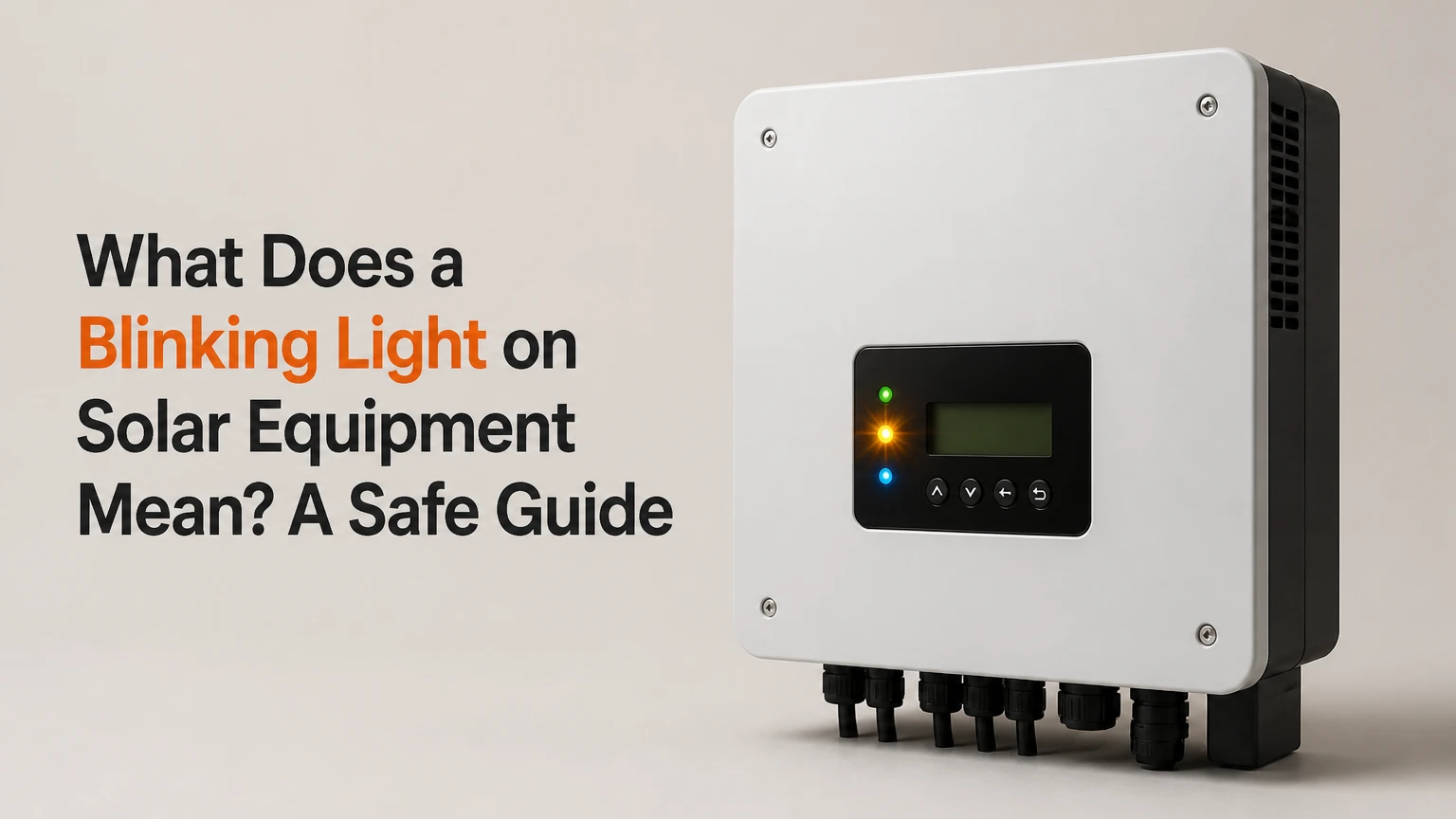
A blinking light on solar equipment usually communicates an operating state, transition, warning, or fault through an LED code. The exact meaning depends on the equipment type, LED color, flash speed, pause length, and manufacturer model. A blinking green light may be normal, while amber or red can indicate communication, grid, temperature, battery, grounding, or hardware problems.
Key Facts at a Glance
- A solar LED color has no universal meaning across all inverter, battery, and charge-controller brands.
- A blinking green inverter light commonly indicates startup, standby, grid synchronization, or normal operation.
- Amber or yellow commonly indicates a warning, reduced output, communication problem, or battery condition.
- A blinking red light requires the model manual or monitoring app because flash counts are manufacturer-specific.
- A solar system can blink while producing power normally, especially when the LED reports communication or transition status.
- Never open an inverter, battery, or charge controller to investigate a light, because hazardous AC and DC voltage may remain present.
What Does a Solar Equipment Light Actually Report?
A solar equipment light reports the condition recognized by a local controller, not a complete diagnosis of the photovoltaic system. Inverters measure DC voltage, AC voltage, current, temperature, frequency, and internal operating conditions, then assign an LED state or digital event code.
A string inverter may use one front-panel LED for power, another for fault, and a third for communication. A microinverter may place status LEDs beneath the solar module, where sunlight and access make visual interpretation difficult. A charge controller typically emphasizes battery voltage, charging stage, and load status instead of utility-grid conditions.
The LED therefore answers a narrow question: “What state has this device assigned to itself?” It does not prove that every panel is healthy, that the battery is full, or that the home is receiving solar power.
How the LED code is generated
Sensors sample electrical and environmental values. Firmware compares those values with operating thresholds, then controls LED color, pulse rate, and sequence. A network gateway may separately report the same event to an app several minutes later.
Manufacturer firmware determines the code. Enphase, SolarEdge, SMA, Fronius, Tesla, Victron Energy, OutBack Power, and Schneider Electric do not share one flash-code dictionary.
What Do Solar Light Colors Mean?
Green usually indicates an available, operating, or transitional state; amber or yellow usually indicates a warning; red usually indicates a fault or unavailable state. Those are useful triage categories, not universal translations, because manufacturers assign colors differently.
| Light behavior | Typical meaning | Common equipment | First check |
|---|---|---|---|
| Green, slow pulse | Standby, low irradiance, or normal operation | String inverter, microinverter gateway | Sunlight and production graph |
| Green, rapid pulse | Startup, grid synchronization, or firmware activity | Grid-tied inverter | Utility power and event log |
| Amber or yellow, slow pulse | Derating, battery warning, or reduced availability | Inverter, charge controller | Temperature, battery state of charge |
| Amber or yellow, rapid pulse | Communication or monitoring interruption | Gateway, inverter | Router, gateway, signal status |
| Red, repeating pattern | Recorded fault requiring code lookup | Inverter, battery, controller | Exact flash count and manual |
| Red, continuous or rapid | Serious fault or shutdown condition | Inverter, battery system | Keep enclosure closed and contact service |
Is a blinking green light normal?
A blinking green light is often normal when the system is waking at dawn, waiting for adequate solar voltage, synchronizing with the utility, or entering standby at dusk. Heavy cloud cover can also produce repeated transitions if the DC input repeatedly crosses the inverter’s startup threshold.
Check the monitoring app before taking action. If the app shows current production, normal daily energy, and no active event, the green LED usually needs no intervention. An inverter that blinks green continuously during bright midday conditions while reporting zero production needs further diagnosis.
Is an amber or yellow light serious?
An amber or yellow light usually represents a non-emergency warning, but the underlying condition can still reduce energy production or indicate a battery problem. Common causes include high enclosure temperature, weak Wi-Fi, lost gateway communication, low battery state of charge, or a temporary grid condition.
Do not treat amber as harmless by default. Compare the light with the app’s last successful communication time, production data, and event code. A communications warning may leave the solar array operating, whereas a battery warning may disable charging or backup power.
When does a blinking red light indicate danger?
A blinking red light indicates a fault state in many products, but it does not identify the fault by itself. Isolation resistance, ground-fault detection, DC overvoltage, AC voltage, frequency, overheating, arc-fault detection, and internal hardware alarms can all produce red indications.
Stop and call a qualified solar technician if the enclosure smells burned, feels unusually hot, shows melted plastic, has water intrusion, emits crackling sounds, or connects to visibly damaged wiring. A red LED with no physical danger signs still requires the manufacturer’s fault code before anyone assumes panel or inverter replacement.
Why Can the Light Blink When Solar Production Is Normal?
A solar LED can blink during normal production because the LED may report communications, grid synchronization, firmware status, or a temporary transition rather than generation. The monitoring portal and inverter display provide better evidence of output than the color alone.
For example, a SolarEdge inverter can produce energy while a communications gateway loses internet access. An Enphase system can continue producing through microinverters while the Envoy or cellular connection reports a monitoring interruption. In both cases, the homeowner may see a warning light even though the array is electrically active.
Production should be judged using the inverter display, app power reading, utility meter, or revenue-grade monitoring data. Compare current watts with expected conditions, not with a fixed number: a 6-kilowatt array may produce under 1 kilowatt during thick cloud or near-zero energy at night.
| Observation | Likely interpretation | Evidence to compare | Typical response |
|---|---|---|---|
| Blinking green at sunrise, rising output | Startup transition | DC voltage and app watts | Wait 5-15 minutes |
| Amber light, normal power graph | Communications warning | Last gateway contact | Check network only |
| Red light, zero output during outage | Grid unavailable | Utility power and AC event | Wait for utility restoration |
| Red light, zero output in full sun | Active inverter fault | Fault code and DC/AC status | Contact installer |
| LED off, app current data available | LED mode or disabled indicator | Portal timestamp | No immediate action |
| LED blinking, battery not charging | Battery limit or profile issue | State of charge and voltage | Check manual and installer settings |
How Does Equipment Type Change the Meaning?
Equipment type changes the meaning because each device monitors different inputs. A grid-tied inverter emphasizes utility voltage and frequency, a microinverter emphasizes module-level DC conversion, a charge controller emphasizes battery charging, and a battery-management system emphasizes cell safety.
| Equipment | Main variables monitored | Common blinking causes | Best diagnostic source |
|---|---|---|---|
| String inverter | DC voltage, AC voltage, frequency, temperature | Grid fault, isolation fault, thermal derating | Inverter screen and manual |
| Microinverter | Module DC input, AC connection, temperature | Module issue, branch-circuit outage, network event | Installer gateway and module map |
| Charge controller | PV voltage, battery voltage, charging current | Low battery, wrong chemistry profile, overvoltage | Controller display and battery meter |
| Battery BMS | Cell voltage, temperature, current, state of charge | Protection trip, imbalance, communication loss | Battery app and service code |
| Energy gateway | Network, meter, inverter communications | Wi-Fi, cellular, RS485, or gateway failure | Portal timestamp and gateway LEDs |
| Rapid-shutdown device | Module-level safety state | Shutdown command, wiring, controller fault | System label and installer diagnosis |
A charge controller flashing red because of low battery voltage is not equivalent to a grid-tied inverter flashing red because of AC frequency. Substituting advice between those systems can create a second fault.
How Should You Decode the Pattern?
Decode a solar flash pattern by recording the equipment model, LED label, color, flashes per cycle, pause duration, and whether the pattern changes with sunlight or utility power. Then compare the observation with the model-specific manual or monitoring portal.
Use this sequence:
- Photograph the LED and label. Capture the front panel, equipment nameplate, and any adjacent symbols without opening the enclosure.
- Record the pattern. Count flashes for at least three complete cycles. Note whether the pause lasts one second, five seconds, or longer.
- Identify the device. Record the manufacturer, exact model, firmware family if visible, and whether the light belongs to an inverter, gateway, battery, or controller.
- Check the monitoring app. Read active alerts, event history, last contact time, output watts, battery state of charge, and grid status.
- Compare operating conditions. Note time of day, weather, recent outage, storm, maintenance, or electrical work.
- Use the manual’s action column. Follow only instructions written for that model.
- Escalate unresolved faults. Give the installer the photograph, pattern, event code, time, and production reading.
A pattern such as three red flashes followed by a pause does not universally mean a grid fault. One brand may assign that sequence to an AC condition, while another may use it for a relay, isolation, or communication event.
Is a Power Cycle Safe?
A power cycle is safe only when the equipment manual and installer instructions authorize it and no damage, water intrusion, smoke, heat, or exposed conductor is present. AC and DC disconnects do not eliminate every electrical hazard, and solar modules can continue producing DC voltage in daylight.
Generic shutdown sequences are not interchangeable. Some systems require the AC breaker first, some require a dedicated inverter switch, and battery systems may require a controlled shutdown through the manufacturer interface. A forced restart can erase settings, interrupt backup operation, or leave a battery in protection mode.
The National Electrical Code rapid-shutdown requirements in NEC 690.12 address module-level shock-hazard reduction during emergency conditions, but they do not turn every enclosure into a safe DIY service area. UL 1741-listed equipment still requires model-specific operation.
Do not spray water on hot equipment, remove covers, pull connectors, test energized terminals, or reset a factory configuration. A technician should handle ground faults, arc-fault alarms, damaged conductors, and battery protection trips.
What Should You Check Before Calling an Installer?
Check sunlight, utility power, visible enclosure condition, app data, and communication status before calling an installer. These observations distinguish a normal transition from a production fault and give the technician usable evidence.
Safe homeowner checks
- Confirm whether the house has utility power and whether a recent outage occurred.
- Check whether the light appears only at night, dawn, dusk, or during heavy cloud.
- Look for blocked external vents, leaves, dust buildup, animal nesting, or water marks.
- Confirm that no exterior conduit, cable insulation, or disconnect enclosure is visibly damaged.
- Read the monitoring app’s event history and record the exact code.
- Check whether production is zero, reduced, or normal compared with the same weather conditions.
- Verify router power only when the warning specifically identifies communications.
- Check battery state of charge from the user interface, not by opening the battery.
| Symptom | Most useful distinction | Safe action | Escalation threshold |
|---|---|---|---|
| Green blink at 6:30 a.m. | Output rising or still zero | Wait 15 minutes | Zero output in bright sun |
| Amber blink after router change | App last contact is stale | Restore network settings | No contact after 30 minutes |
| Red blink during outage | Utility power absent | Wait for grid restoration | Persists 30 minutes after restoration |
| Red blink after storm | Damage, water, or surge possible | Do not reset damaged equipment | Immediate technician call |
| Battery warning below 20% | Low state of charge | Reduce discretionary loads | Repeated protection shutdown |
| Light and app disagree | Local status versus portal delay | Check timestamps | Output remains abnormal |
Which Conditions Create Edge-Case Blinking?
Nighttime, storms, cold temperatures, generator operation, rapid shutdown, and network outages create edge cases that can make a blinking LED look more serious or less serious than it is. The surrounding system condition determines the correct next step.
At night, a grid-tied inverter may remain powered from the utility while the array provides no DC energy. A green or amber state can therefore be normal. During a storm, however, water intrusion, lightning surge, or damaged conduit raises the risk of an actual fault.
Cold weather can increase panel open-circuit voltage. The inverter’s maximum DC voltage rating, specified on its label and installation design, must not be exceeded. A charge controller configured for flooded lead-acid batteries can also mismanage an AGM or LiFePO4 battery, producing persistent warning codes.
Generator-backed systems add another complication. An inverter may reject generator voltage or frequency even while household loads operate. IEEE 1547-2018 defines interconnection and voltage-frequency behavior for distributed energy resources, but approved settings vary by utility, equipment certification, and jurisdiction.
What the light does not prove
A blinking light does not prove that every panel is faulty, that the inverter needs replacement, or that a factory reset will solve the problem. It also does not prove that the monitoring app is current, because a portal can display delayed data after a gateway or internet interruption.
That limitation matters financially. Replacing an inverter based only on a red LED can waste thousands of dollars when the actual issue is a tripped AC breaker, utility outage, failed communications gateway, or temporary grid voltage condition.
How Much Does Solar Light Repair Cost?
A diagnostic visit typically costs $150-$300 in the United States, while common out-of-warranty equipment replacement ranges from about $200 for a small controller to $3,500 for a residential string inverter. Labor, permitting, shipping, warranty coverage, roof access, and battery voltage raise the final price.
These are typical planning ranges, not quotations. Manufacturer warranties can change the equipment cost substantially, and a communications fault may cost less than an onsite visit if the installer can resolve it remotely.
| Repair or service | Typical price range | Typical elapsed time | Main cost variable |
|---|---|---|---|
| Remote code review | $0-$150 | 15-60 minutes | Installer service policy |
| Onsite diagnosis | $150-$300 | 1-3 hours | Travel and electrical testing |
| Wi-Fi or gateway correction | $0-$500 | Same day to 3 days | Replacement gateway need |
| Charge-controller replacement | $200-$800 | 2-14 days | Battery voltage and labor |
| Microinverter replacement | $150-$300 unit price | 3-14 days | Roof access and labor |
| String-inverter replacement | $1,500-$3,500 | 3 days to 3 weeks | Shipping, permit, grid profile |
| Battery service or replacement | $500-$15,000+ | 1 day to several weeks | Capacity, chemistry, warranty |
A persistent blinking code should be documented before service. Photographing the code and downloading the event log can reduce diagnostic time and prevent a technician from arriving without the correct replacement part.
When Should Equipment Be Replaced?
Solar equipment should be replaced when a qualified diagnosis identifies failed hardware, repeated protection trips, unavailable parts, unsafe damage, or repair costs that exceed the remaining economic value of the system. A blinking light alone is not a replacement criterion.
A string inverter may be economically repairable during its warranty period but less attractive after ten or more years, especially if a replacement improves monitoring or efficiency. Microinverters can require roof access, so labor may dominate the relatively low unit price. Battery replacement decisions depend on usable capacity, cycle history, chemistry, warranty terms, and whether backup capability matters.
Ask the installer for the fault code, failed component, test performed, warranty position, repair price, replacement price, expected lead time, and updated commissioning requirements. Request the proposed grid profile and permit responsibility when an inverter is changed.
Common Mistakes That Make Blinking Lights Worse
- Assuming all red codes mean hardware failure: A utility outage or grid-voltage event can create a red alarm without permanent damage.
- Using another brand’s flash chart: Flash counts are firmware-specific and can produce a false diagnosis.
- Resetting during a storm: A surge or wet enclosure can make repeated energization unsafe.
- Turning off only one side of the system: Partial isolation can leave hazardous AC or DC voltage present.
- Factory-resetting the inverter: Grid settings, battery parameters, installer credentials, and historical data may be lost.
- Cooling equipment with a hose: Water entry and thermal shock can damage seals, electronics, and terminals.
An experienced installer usually wants the event timestamp, exact code, system model, production level, utility status, and recent weather before recommending a reset. That information is more valuable than a general statement that the light “looks bad.”
Frequently Asked Questions
Can solar panels work when the inverter light is blinking?
Solar panels can continue contributing energy while an inverter light blinks if the code represents communications, startup, or a non-blocking warning. Confirm the answer in the monitoring portal by checking current watts and recent energy. Zero production in strong sunlight, paired with an active fault, requires professional diagnosis rather than assumption.
Why is my solar inverter blinking at night?
A grid-tied inverter can blink at night because utility power keeps its control electronics active even though the panels provide no usable solar input. The pattern may indicate standby, nighttime mode, or communications status. A nighttime blink is usually less concerning when the system starts normally after sunrise and the app records no fault.
Does a blinking solar light mean the battery is bad?
A blinking battery or charge-controller light does not prove battery failure. Low state of charge, incorrect battery chemistry settings, high or low temperature, communication loss, cell imbalance, and protection limits can produce similar warnings. Read the battery code and state of charge through the approved interface, and never open a lithium battery enclosure.
How long should a solar inverter blink before I call someone?
Call the installer immediately for smoke, burning odor, water intrusion, cracking sounds, exposed wiring, physical damage, or a rapidly repeating red fault. For a normal green startup or a utility-related warning, waiting 15-30 minutes after stable sunlight or restored grid power is reasonable if the manual permits it. Persistent faults need service.
Can a Wi-Fi problem cause a solar inverter light to blink?
A Wi-Fi or gateway problem can cause an amber, yellow, or communications LED to blink while the inverter continues producing power. Compare the app’s last contact time with the inverter’s local production indication. Reconnect the network only through the documented user procedure, because a communications reset will not repair an electrical fault.
The Bottom Line
The answer to “what does a blinking light on solar equipment mean” is a status code, not a universal diagnosis. Green commonly signals normal operation or transition, amber commonly signals a warning or communication issue, and red commonly signals a fault, but the exact meaning belongs to the equipment model and flash sequence. Check the app, record the pattern, inspect only from the outside, and use a qualified technician for persistent, damaged, hot, wet, or red-fault equipment.