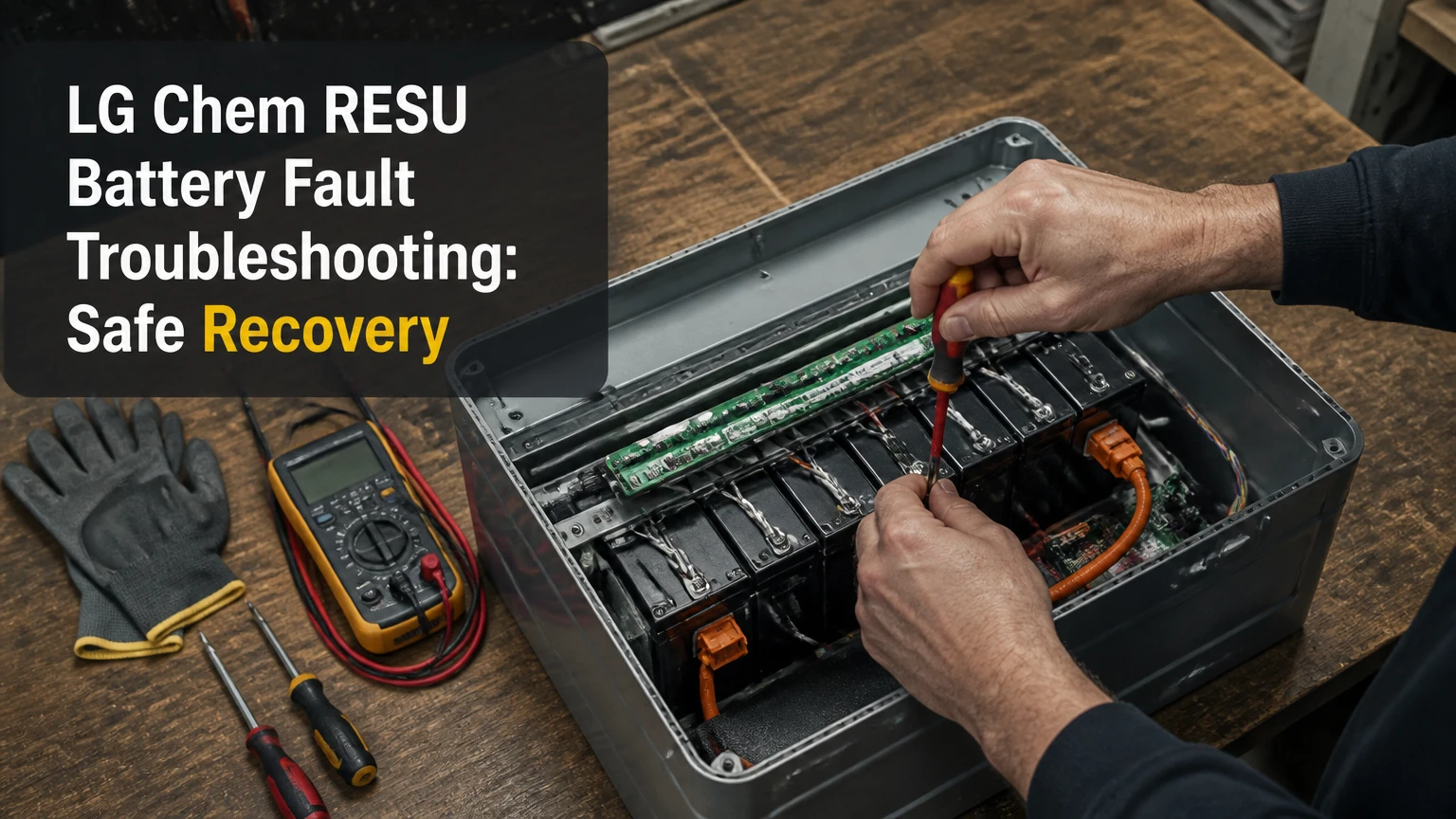
LG Chem RESU battery fault troubleshooting starts with identifying the exact battery model, inverter message, and LED state before any reset. Homeowners can safely check external disconnects, ambient conditions, inverter settings, and recall status, but internal covers, high-voltage terminals, fuses, cell measurements, and forced charging require a qualified battery technician.
Key Facts at a Glance
- LG Chem RESU systems use an internal battery management system, or BMS, to monitor cell voltage, current, temperature, and protection states.
- RESU low-voltage and high-voltage batteries do not share the same wake-up procedure, inverter settings, or safe measurement thresholds.
- A red fault light, repeated breaker trip, burning smell, swelling, smoke, or abnormal heat requires immediate shutdown and professional service.
- A “no battery” message can result from communication wiring, inverter configuration, a DC protection device, low battery voltage, or an internal BMS fault.
- RESU10H units and some related generations have had regional safety notices and recalls, so serial-number verification comes before troubleshooting.
- A homeowner reset is appropriate only when the model manual permits it and no physical danger sign or persistent internal fault exists.
What Does an LG Chem RESU Fault Mean?
An LG Chem RESU fault means the battery management system, inverter, or their communication link has detected an operating condition outside its permitted range. The condition may involve cell voltage, pack current, temperature, insulation, contactors, firmware, or a lost CAN or RS485 connection.
The battery does not normally diagnose itself through a single universal RESU code. The inverter often displays the more useful message, while the battery front panel reports a broad warning or fault state. SolarEdge, SMA, Fronius, GoodWe, Victron, and Solis can therefore describe the same underlying event differently.
A protection shutdown is not proof that the battery cells have failed. For example, a cold battery may refuse charging even when its cells are healthy, while a failed communication line can produce “battery absent” without a cell fault. The correct sequence is identification, external inspection, code capture, model-specific reset, and escalation.
Which RESU architecture do you have?
The exact model label determines the diagnostic path. A RESU6.5 or RESU10 low-voltage unit is fundamentally different from a RESU10H high-voltage unit, even when both are described casually as a “10 kWh LG battery.”
| RESU family | Typical nominal architecture | Common communication path | Diagnostic implication |
|---|---|---|---|
| RESU3.3, RESU6.5, RESU10, RESU13 | 48 V class | CAN or RS485, inverter dependent | Low-voltage settings and battery wake-up rules apply |
| RESU7H | Approximately 400 V class | High-voltage inverter protocol | Qualified service is required for internal voltage work |
| RESU10H Type-R or Type-C | Approximately 400 V class | High-voltage digital protocol | Firmware, inverter compatibility, and recall status matter |
| RESU10H Prime, RESU16H Prime | High-voltage modular architecture | Prime-compatible inverter protocol | Prime procedures and components are not interchangeable with earlier RESU10H parts |
Published product specifications vary by regional release, firmware, usable-capacity rating, and inverter. Treat the model plate and installation manual as authoritative rather than applying a generic voltage or LED chart.
What Do RESU Lights and Inverter Messages Mean?
RESU lights provide a symptom category, not a complete diagnosis. The inverter event log, battery model, time of failure, state of charge, and recent weather or electrical event are needed to distinguish a communication problem from a battery protection event.
| Visible symptom or message | More likely causes | Safe homeowner check | Escalate when |
|---|---|---|---|
| Solid red or orange fault indicator | BMS protection, temperature, over-current, cell imbalance | Record the inverter code and check ambient temperature | The light remains after one permitted restart |
| Blinking green operating indicator | Startup, communication activity, or firmware process on some models | Wait and do not interrupt a documented update | Blinking persists beyond the manual’s stated update period |
| No battery lights | Auxiliary power loss, tripped protection, deep discharge, failed BMS supply | Check only external AC and DC disconnect positions | No response follows the model-approved startup process |
| Inverter shows “No battery” | CAN or RS485 fault, wrong protocol, fuse or isolator issue, low pack voltage | Check connectors only if externally accessible and permitted | Communication does not return after configuration verification |
| Battery breaker trips repeatedly | Short circuit, inrush problem, internal protection, wiring fault | Leave the breaker off after the first repeat trip | The breaker will not stay on or trips instantly |
| Battery stops charging in cold weather | Cell temperature below charge limit, sensor fault, inverter limit | Check the battery location temperature | Charging remains blocked after the battery warms within specification |
The blinking green condition is especially model-dependent. Some Type-C systems may show activity during an automatic firmware update, but a green blink can also represent normal initialization or a different status in another product revision. Do not infer an update from the lamp alone.
Why Is the Battery Not Charging?
An LG Chem RESU battery that will not charge usually has either a permitted operating limit, an inverter command problem, or a protection state. The first checks are state of charge, battery temperature, grid availability, solar production, charge scheduling, and the inverter’s event history.
Charging can stop when the battery reaches its upper state-of-charge limit, when the inverter has no solar or grid charging permission, or when a tariff schedule blocks charging. Cold conditions are a frequent edge case because lithium-ion batteries may restrict charging below their approved temperature range.
Check these external conditions in order:
- Confirm the inverter is operating and producing or receiving the expected charging source.
- Check whether the battery state of charge is already at the configured maximum.
- Review time-of-use schedules, backup reserve, export limits, and charge-current settings.
- Compare the inverter’s battery temperature or warning with the installation location.
- Record the exact event code before restarting anything.
- Check whether the battery has been placed in standby by an app, installer portal, or demand-response program.
Do not force-charge a low-voltage or high-voltage RESU pack with an improvised charger. Recovery charging requires the correct battery protocol, voltage limits, current limits, and inspection for cell damage.
Can You Reset an LG Chem RESU Battery Safely?
A homeowner can perform one controlled restart only when the RESU manual and installer documentation permit it, there is no smoke, swelling, heat, odor, water ingress, or physical damage, and the internal breaker is not repeatedly tripping. The safe principle is to use external controls first and avoid opening the battery enclosure.
Before starting
| Requirement | Typical value or condition | Why it matters |
|---|---|---|
| Time | 20-40 minutes | Allows inverter capacitors and controls to shut down |
| Difficulty | Homeowner-level external switching only | Internal battery service remains technician work |
| Tools | None for a basic restart | A meter is not a substitute for training |
| Records | Model, serial, inverter code, LED state | Required for support and warranty triage |
| Weather | Dry conditions, no flooding or condensation | Moisture increases electrical risk |
| Stop condition | Heat, odor, smoke, swelling, repeated trip | Requires isolation and emergency escalation |
Step 1: Capture the evidence
Photograph the battery label, LED state, inverter screen, and any app notification. Write down the time, state of charge, weather, recent outage, firmware update, and whether the fault appeared during charging or discharging.
You will know the evidence is sufficient when a technician can identify the model and reproduce the event from your notes. A common mistake is clearing the inverter alarm before recording its code.
Step 2: Stop the normal operating command
Follow the installed system’s documented shutdown order, usually by stopping the inverter through its normal control and then switching the designated external disconnects. Do not guess which breaker is the battery breaker, because some installations contain separate solar, battery, backup-load, and grid-isolation devices.
You will know the system has stopped when the inverter indicates shutdown or standby. If a disconnect is hot, damaged, inaccessible, or unlabeled, stop rather than forcing it.
Step 3: Wait for discharge and observe
Wait the period specified by the inverter and battery manuals. A 5-10 minute wait is common for equipment controls, but it does not make internal high-voltage terminals safe to touch.
Observe the battery from outside. Burning odor, hissing, smoke, swelling, leaking electrolyte, unusual heat, or repeated clicking changes the procedure: keep clear, avoid water on energized equipment, call emergency services for an active thermal event, and contact the installer or manufacturer.
Step 4: Restore power in the documented order
Restore external power and battery controls only in the order published for the exact RESU and inverter combination. Many systems require the battery auxiliary supply and battery breaker to be available before the inverter initializes, while other combinations use a different order.
You will know the restart has succeeded when the inverter recognizes the battery, the battery state returns, and no new fault appears during initialization. If a breaker moves to a middle or tripped position immediately, leave it off.
Step 5: Allow synchronization
Give the inverter and battery several minutes to complete startup and communication checks. Avoid repeatedly cycling power, because repeated contactor operations can create a second diagnostic event and erase useful logs.
A successful restart is temporary evidence that the protection state cleared. It does not prove cell health, firmware correctness, or recall compliance.
Which Faults Require a Technician?
High-voltage access, internal fuse testing, BMS replacement, cell-voltage measurement, contactor testing, insulation testing, and forced recovery charging require a trained and authorized technician. The numeric thresholds below are investigation triggers, not homeowner repair instructions.
| Fault category | Typical indication | Technician investigation | Homeowner response |
|---|---|---|---|
| Under-voltage or deep discharge | Battery unavailable after prolonged low state of charge | Pack voltage, cell spread, contactors, controlled recovery | Do not bypass the BMS or apply external charging |
| Over-voltage | Charging stops near full state of charge | Cell readings, charger voltage, calibration, firmware | Keep normal charging disabled until assessed |
| Over-temperature | Charge or discharge blocked during heat | Sensor values, airflow, installation temperature | Improve surrounding ventilation without dismantling equipment |
| Charge or discharge over-current | Trip during a large load or restart | Current path, inverter limits, DC protection, contactors | Remove unusual loads and preserve event logs |
| Internal fault or cell imbalance | Persistent fault after restart | Cell module, BMS, harness, insulation, contactor tests | Arrange service; do not reset repeatedly |
| Communication failure | “No battery,” “BMS lost,” or zero state of charge | CAN or RS485 continuity, termination, protocol, firmware | Check only permitted external connections |
Some service documents and inverter support pages use labels such as Internal Fault 52 or Overdischarge Current 2. These labels are not universal across every RESU generation. A persistent internal code should be treated as a service event, not as a guaranteed diagnosis of a specific cell segment.
How Do You Diagnose a Communication Failure?
A RESU communication failure is diagnosed by separating power availability, protocol configuration, wiring integrity, and battery protection state. “No battery” does not automatically mean the battery has no voltage or that the cell modules are defective.
| Diagnostic layer | Specific check | Typical finding | Next action |
|---|---|---|---|
| Inverter configuration | Battery brand, model, protocol, address | Wrong profile or firmware | Correct through installer controls |
| Communication cable | CAN or RS485 pinout, polarity, shield, termination | Loose, reversed, or damaged conductors | Qualified rewiring if not externally serviceable |
| Battery power | Auxiliary supply, DC isolator, external protection | Battery control power absent | Follow installation manual and call service |
| Inverter firmware | Compatibility release and update history | Battery introduced or lost after update | Use approved firmware only |
| Battery state | LED, BMS availability, event log | Battery asleep or fault-locked | Model-specific wake-up or service |
| Protection path | Fuse, breaker, contactor status | Open protection device | Technician tests and replacement |
A useful practitioner rule is to compare the battery’s last known state with the inverter’s first error. If the inverter reports communication loss immediately after an outage, investigate power sequencing and auxiliary supply before assuming cell failure.
Do not change DIP switches or protocol addresses based on an internet chart. Settings vary by inverter, firmware, parallel configuration, and product revision.
How Do Recalls Change Troubleshooting?
A recall or safety notice changes the priority from restoration to verification. Owners should identify the battery serial number, check the manufacturer’s regional safety portal or installer channel, and follow the required shutdown or replacement instructions before attempting a reset.
LG Energy Solution has issued regional safety communications affecting certain residential battery products and installations. Eligibility depends on model, serial number, geography, production batch, and the corrective program in force. A product name alone cannot establish recall status.
The Australian LG Home Battery Support portal has provided serial-number tools for affected products, but owners in other regions should use the local LG Energy Solution support route. A recalled battery must not be bypassed, forced to charge, or returned to service because an earlier reset appeared to work.
LG Energy Solution installation manuals use direct safety language such as “Do not disassemble or modify the battery.” That instruction matters because the enclosure can contain hazardous DC voltage even when the inverter display is blank.
What Are the Common Edge Cases?
Several RESU faults appear after unusual conditions rather than during ordinary cycling. The timing provides useful diagnostic evidence.
- After a grid outage: The inverter may remain in backup or anti-islanding recovery mode, while the battery remains unavailable because an auxiliary supply or contactor sequence did not complete.
- After a firmware update: A protocol mismatch can appear as a battery communication failure. Record firmware versions before asking an installer to roll back or update equipment.
- After prolonged cloudy weather: Low state of charge can trigger sleep or under-voltage protection. Controlled recovery must use the approved inverter and battery procedure.
- During freezing conditions: Charging may be blocked even while discharge remains available. Warm the installation naturally; never use a heater directed at the battery.
- During high household demand: A large motor, heat pump, or electric vehicle charger can exceed the configured discharge current and produce a protection event.
- After water exposure: Do not energize a wet enclosure. Isolate only if safe and have the equipment inspected.
- After repeated resets: Repetition can conceal a worsening insulation, contactor, or cell problem. More resets do not provide more information.
How Much Does RESU Fault Repair Cost?
Typical out-of-warranty costs range from about $150-$300 per hour for specialist labor, $600-$1,200 for some BMS or interface components, and $7,000-$11,000 for a complete battery replacement, depending on location, model, shipping, and compatibility. Warranty or recall work can reduce the owner’s direct cost but still involve scheduling delays.
| Service outcome | Typical cost range | Typical time | Main variable |
|---|---|---|---|
| Remote diagnosis and log review | $0-$250 | 30-90 minutes | Installer policy and warranty |
| On-site diagnostic visit | $150-$600 | 1-3 hours | Travel and test requirements |
| BMS or interface component | $600-$1,200 plus labor | 1-4 hours | Part availability and model |
| DC protection or communication repair | $300-$1,500 | 1-6 hours | Access, wiring, and enclosure design |
| Complete battery replacement | $7,000-$11,000 typical | 4 weeks to several months | Stock, hazardous-goods shipping, warranty |
| Recall or approved warranty replacement | Often covered under program | Several weeks or longer | Serial eligibility and regional logistics |
These are practitioner ranges, not manufacturer quotations. A failed cell module may not be economically repairable if the product is obsolete, unsupported by the inverter, or outside its warranty period.
Should You Repair or Replace an Older RESU?
Repair is usually more sensible when the fault is external, the battery passes safety tests, replacement parts remain available, and the inverter is compatible with the repaired unit. Replacement is usually more sensible when the battery has a persistent internal fault, recall restrictions, repeated protection trips, unavailable parts, or a remaining capacity that no longer supports the household’s backup needs.
Ask the technician for four values:
- Measured usable capacity compared with the original rating.
- Cell-voltage spread at rest and under controlled load.
- Confirmed fault cause, not merely the displayed symptom.
- Total repair cost compared with an approved replacement system.
An older NMC battery may still operate safely after a communication-board repair, but a low repair price is not a reason to ignore degraded cells. Conversely, replacing a complete battery for a failed cable or inverter profile wastes equipment value.
What Should You Give the Technician?
Provide the exact model, serial number, inverter model, firmware versions, fault code, LED pattern, photographs, and a timeline of the event. Include whether the fault occurred during charging, discharge, standby, a power outage, extreme weather, or an electrical upgrade.
The most useful handoff package contains:
- Battery and inverter nameplate photographs.
- Screenshots from the inverter display and monitoring portal.
- The last normal state of charge and operating date.
- The number of restart attempts.
- Breaker or disconnect behavior.
- Any recall or warranty registration details.
- Evidence of heat, odor, water, impact, or pest damage.
- A list of new loads, firmware changes, or electrical work.
Do not remove covers to obtain internal photographs. External evidence is enough for first-line triage.
Frequently Asked Questions
Can an LG Chem RESU battery recover after reaching zero percent?
An LG Chem RESU battery may recover from a displayed zero percent state of charge if the BMS has entered a controlled low-voltage protection mode and the cells remain within safe limits. Recovery requires the approved inverter procedure or a technician’s controlled charger. Do not assume the display percentage equals the actual cell condition.
Why does my RESU battery trip only at night?
A RESU battery that trips only at night may be responding to discharge current, backup-load surges, a low state-of-charge reserve, or inverter temperature and voltage limits. Compare the trip time with household loads such as pumps, heaters, and electric vehicle chargers, then give the technician the inverter event log.
Can I replace an LG RESU battery with an LFP battery?
An LFP battery cannot be treated as a plug-compatible replacement for an LG RESU NMC system. Voltage range, BMS protocol, inverter certification, mounting, firmware, and warranty requirements must all match. A qualified installer should select a complete compatible battery-inverter solution rather than substituting chemistry alone.
How long should a RESU battery last?
A RESU battery’s practical service life depends on temperature, depth of discharge, cycling, firmware, installation quality, and model generation. Warranty terms commonly use a calendar period and an energy-throughput or retained-capacity condition, so the exact model warranty is more useful than a generic year estimate.
Is a blank inverter screen proof that the RESU battery is dead?
A blank inverter screen is not proof that an LG Chem RESU battery is dead. The inverter may have lost AC power, entered a protection state, tripped an external breaker, or lost auxiliary communication power. Check the external system status only if safe, then preserve the battery LED state and call service.
The Bottom Line
LG Chem RESU battery fault troubleshooting should begin with the model, inverter event code, LED pattern, physical condition, and recall status. A single documented external reset can clear a temporary communication or startup issue, but repeated trips, internal fault codes, deep discharge, abnormal heat, and high-voltage access require qualified service. Never bypass the BMS, force-charge the pack, or open the sealed battery enclosure.