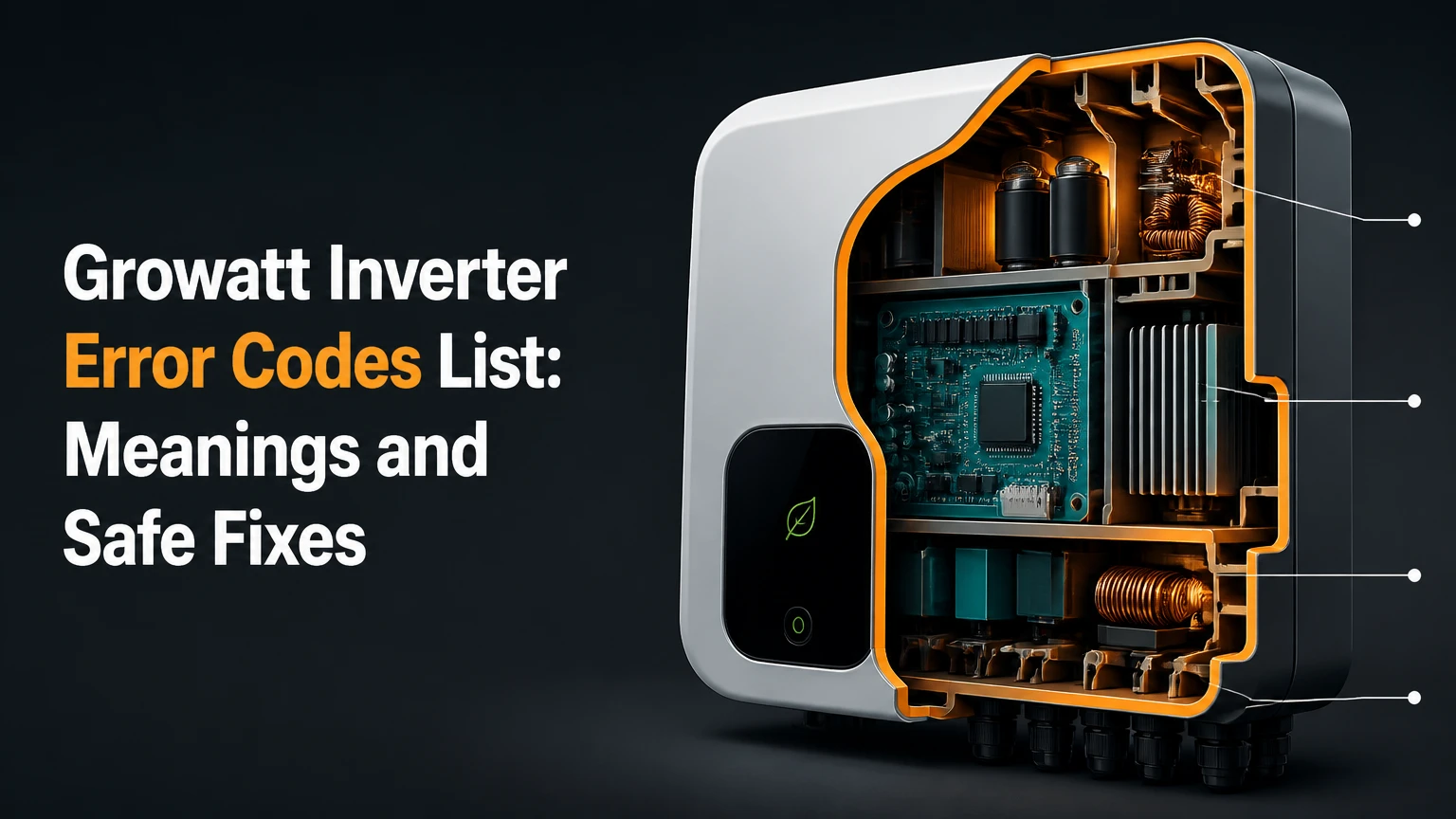
The Growatt inverter error codes list includes numeric faults, warning codes, information states, and text messages that identify problems with PV input, grid quality, internal electronics, batteries, meters, or communication links. Because code meanings vary by model and firmware, use the inverter’s exact manual to confirm a diagnosis before testing or replacing equipment.
Key facts at a glance
Growatt Error 200 generally identifies an AFCI or arc-fault condition on supported models.
Growatt Error 202 indicates excessive PV input voltage and can result from cold-weather string voltage.
Growatt Error 203 or “PV Isolation Low” points to inadequate insulation between the PV circuit and earth.
Growatt Error 300, 302, and 304 commonly relate to AC voltage, grid availability, or frequency.
Warning 401 often involves meter or RS485 communication, while hybrid battery codes require the exact battery and inverter manual.
A five-minute shutdown can clear a transient fault, but repeated faults require a qualified solar installer.
How Growatt Codes Work
Growatt inverters use measured electrical and operating values to decide whether the system can continue safely. Depending on the product, the control system monitors DC voltage, DC current, AC voltage, grid frequency, leakage current, relay state, temperature, battery communication, and internal controller communication.
The screen, LEDs, ShinePhone app, or ShineServer portal may display different labels for the same underlying condition. A residential MIN-XH, a three-phase MOD unit, and an off-grid SPF inverter do not share one universal code dictionary. The same number can have a different description across product generations.
Information, warning, and fault states
Growatt information codes describe normal states such as waiting for sunlight, connecting to the grid, or limiting output. Warning codes identify an abnormal condition while the inverter may continue producing power, sometimes at reduced output. Fault or error codes normally cause a protective shutdown, relay opening, or disconnection from the PV or AC circuit.
LED color is useful but not sufficient for diagnosis. Green commonly indicates normal operation, yellow indicates a warning, and red indicates a fault on many Growatt models, but display behavior varies. The exact LCD message and model number carry more diagnostic value than the LED color alone.
| Diagnostic state | Typical display or LED | Inverter behavior | First response |
|---|---|---|---|
| Information | Green LED, “Waiting” | No fault, often no usable sunlight | Check daylight and operating schedule |
| Warning | Yellow LED, W code | May operate with reduced output | Record code and inspect external conditions |
| Fault | Red LED, E or F code | May open relays or stop production | Follow shutdown procedure and escalate if persistent |
| Communication alert | W or E code, app notification | Subsystem may be unavailable | Check approved cable and device configuration |
| Battery protection | Battery icon, hybrid code | Charging or discharging may stop | Follow battery manufacturer startup sequence |
Growatt Inverter Error Codes List by Function
The following list is a practical cross-model reference, not a substitute for a model-specific service manual. Growatt code definitions can change between MIN, MOD, MID, MAX, SPH, SPF, XH, and older TL or UE families.
Internal and control-board codes
Codes in the 100-199 range commonly involve internal communication, memory, sensors, relays, or control references. A one-time code after a grid disturbance can be transient, while an immediate recurrence after a complete restart points toward hardware or firmware service.
| Code or message | Common meaning | Likely area | Safe next action |
|---|---|---|---|
| Error 100 | Internal DSP or control communication fault | Main control board | Perform one complete restart |
| Error 101 | Internal communication or initialization fault | DSP, M3, or firmware | Record recurrence and contact installer |
| Error 116 | EEPROM or memory read/write fault | Control board memory | Do not repeatedly power-cycle |
| Error 117 | Relay fault or relay self-check failure | AC relay assembly | Stop repeated resets; request service |
| Error 119 | GFCI or leakage-sensor fault | GFCI sensing circuit | Installer diagnostic required |
| Error 120 | HCT or current-sensor fault | Current measurement circuit | Installer diagnostic required |
| Error 121 | Internal voltage reference or communication fault | Control electronics | Compare with the model manual |
A hard restart can clear a communication lockup, but it cannot repair a failed relay, EEPROM, Hall current transformer, or control board. Persistent Error 117 is particularly unsuitable for homeowner repair because the inverter may not isolate the AC circuit as designed.
PV, DC input, and isolation codes
The 200-299 range covers PV input conditions, arc detection, isolation resistance, DC switching, and boost circuitry. These faults often appear in the morning, after rain, during heavy condensation, or after connectors and modules have been disturbed.
| Code or message | Common meaning | Typical trigger | Installer check |
|---|---|---|---|
| Error 200 | AFCI or arc-fault detection | Loose, damaged, or overheated connector | Inspect connectors and perform AFCI procedure |
| Error 201 | PV isolation or leakage condition | Moisture, damaged cable, module fault | Insulation test each string |
| Error 202 | PV voltage too high | Excessive series modules, cold weather | Recalculate winter open-circuit voltage |
| Error 203 | Isolation fault or leakage to earth | Wet MC4 connector, cable damage | Separate strings and test insulation |
| Error 205 | Boost circuit failure | Internal DC conversion fault | Service or warranty assessment |
| PV Isolation Low | Low PV-to-earth insulation | Water ingress or damaged insulation | Isolate array and locate affected string |
| PV Voltage High | DC input above inverter limit | Incorrect string design | Do not reconnect until design is verified |
Error 202 is a design problem, not a harmless overproduction warning. Solar module open-circuit voltage rises as temperature falls, so a string that appears acceptable at the 25°C Standard Test Condition can exceed the inverter’s maximum DC voltage on a cold morning. The installer should calculate the module temperature coefficient and the local minimum design temperature.
Error 203 and “PV Isolation Low” require special care. A resistance reading can change with moisture, sunlight, and cable movement, so a single test on a dry afternoon may miss a morning connector fault.
AC grid and power-quality codes
Codes in the 300-399 range generally concern the utility connection, AC wiring, voltage, frequency, phase sequence, or protective earth. The inverter may be healthy while the grid is outside its configured operating window.
| Code or message | Common meaning | Likely cause | Appropriate response |
|---|---|---|---|
| Error 300 | AC voltage or frequency out of range | Utility fluctuation or configuration | Record grid readings and time |
| Error 301 | AC line or phase inversion | Incorrect L/N or phase sequence | Qualified electrician checks wiring |
| Error 302 | No AC or grid not detected | Open breaker, isolator, or wiring fault | Check external switch positions |
| Error 303 | PE abnormal or grounding fault | Protective-earth issue | Stop and request electrical testing |
| Error 304 | AC frequency or voltage out of range | Utility event or weak connection | Observe whether it returns |
| AC V Outrange | AC voltage outside limit | High or low grid voltage | Measure under the applicable standard |
| Fac Outrange | Grid frequency outside limit | Utility frequency disturbance | Contact installer or utility if persistent |
Homeowners can visually confirm that an approved AC isolator and breaker are in their normal positions, but live voltage testing belongs to a qualified electrician. A breaker that looks on can still have a failed pole, loose termination, or upstream supply problem.
Warning, meter, and communication codes
The 400-499 group frequently relates to meters, firmware, temperature, and communications. Some hybrid systems also show battery or loop faults in other numeric ranges, including 411 or 217, depending on the product family.
| Code or message | Common meaning | Common equipment | First diagnostic focus |
|---|---|---|---|
| Warning 401 | Meter or RS485 communication problem | Smart meter, CT, inverter | Cable seating, polarity, address |
| Warning 404 | EEPROM or configuration warning | Inverter control system | Firmware and saved settings |
| Warning 405 | Firmware or internal communication warning | Control or communication board | Record firmware and reboot once |
| Warning 407 | Temperature warning | Inverter heatsink or environment | Ventilation, dust, ambient temperature |
| Error 411 | Battery or loop communication fault | XH, ARK, or hybrid system | Battery wake-up and CAN connection |
| Error 217 | Battery or loop-related fault on some models | Hybrid battery system | Exact manual and battery status |
| Meter Fault | Meter data unavailable or invalid | Smart meter or CT | RS485 terminals, CT direction, address |
RS485 polarity is model-specific. Do not assume that pin 4 and pin 5, or any RJ45 pair, has the same assignment on every Growatt product. Confirm terminal labels and pinout in the inverter and meter manuals before moving conductors.
How Do You Reset a Growatt Inverter Safely?
A standard Growatt shutdown sequence is AC off, DC off, battery off when fitted, wait five minutes, then battery on, DC on, and AC on. The procedure is suitable for clearing a temporary control fault, but it does not replace fault testing and should not be used repeatedly when a red fault returns immediately.
Five-minute restart procedure
- Turn off the AC isolator or dedicated AC breaker.
Check that the inverter stops reporting grid connection. - Turn off the inverter’s DC switch.
If the system has separate PV string isolators, follow the installer’s labeling and manual. - Turn off the battery isolator on hybrid systems.
Do not remove battery covers or touch battery terminals. - Wait at least five full minutes.
Internal capacitors can retain hazardous energy after isolation. - Turn on the battery isolator first, if the manual requires it.
Confirm that the battery wakes without a red alarm. - Turn on the DC switch.
The display may show waiting or initialization before production begins. - Turn on the AC breaker or isolator.
Allow the inverter to complete its grid-connection checks.
You will know a transient reset worked when the original code disappears, the inverter completes initialization, and the app reports normal operation. The reset failed when the same code returns immediately, returns under the same weather condition, or is accompanied by a burning smell, abnormal noise, heat damage, or visible arcing.
What Should You Check When the Display Is Blank?
A blank Growatt inverter display does not automatically mean that the inverter has failed. Night-time conditions, low PV voltage, switched-off isolators, a tripped supply, or a display and communication fault can all produce a blank screen.
Use this decision path:
- At night: no PV startup voltage may be available, so check again in daylight.
- In daylight with all switches on: ask an installer to verify DC input and AC supply.
- After a storm: do not repeatedly restart the system; inspect only for external damage.
- With a battery system: check the battery’s external status indicator without opening covers.
- With a persistent blank screen: record switch positions and contact the installer.
Growatt startup voltage differs by model, so a generic 80-120 V threshold is not universal. The correct minimum operating or startup voltage appears on the inverter datasheet. A homeowner should not probe live DC terminals with a multimeter unless trained and equipped for photovoltaic DC work.
How Do You Diagnose PV Isolation Low or Error 203?
Growatt Error 203 and “PV Isolation Low” mean the inverter has detected insufficient electrical separation between the PV circuit and earth. Moisture in an MC4 connector, a crushed cable, a damaged module junction box, a failed surge-protection component, or an installation fault can produce the alert.
Practical isolation workflow
- Note whether the code appears only during rain, dew, fog, or early morning.
- Turn the system off using the approved AC, DC, and battery sequence.
- Have an installer isolate PV strings individually.
- Test positive-to-earth and negative-to-earth insulation with an appropriate insulation resistance tester.
- Inspect connectors for water, discoloration, cracking, loose locking, or incompatible mating parts.
- Re-test after drying and after moving suspect cables.
- Replace damaged connectors as a correctly matched pair, rather than sealing a failed connector with tape.
The AI Overview’s “greater than 50 kΩ” figure should not be treated as a universal Growatt pass value. Required insulation resistance depends on inverter design, PV voltage, local electrical rules, and the manufacturer’s manual. The installer should use the applicable standard and Growatt procedure.
What Do AC V Outrange and Error 302 Mean?
“AC V Outrange” means the measured grid voltage is outside the inverter’s permitted operating range, while Error 302 generally means the inverter does not detect an acceptable AC grid connection. An open breaker is only one possibility; utility voltage, loose wiring, phase sequence, or an incorrect country setting can also be involved.
| Symptom | More likely explanation | Useful evidence | Escalation |
|---|---|---|---|
| Error 302 immediately after installation | Breaker, isolator, or wiring issue | Installer commissioning record | Electrician |
| Error 304 during neighborhood demand | Voltage or frequency event | Timestamped app log | Installer and utility |
| Error 301 on a three-phase unit | Phase sequence or wiring error | Phase rotation test | Electrician |
| Error 303 with other electrical symptoms | Protective-earth problem | PE continuity and fault tests | Immediate electrical service |
| AC V Outrange only at midday | Local voltage rise | AC measurement under load | Installer and utility |
Do not change grid protection limits to suppress an error. Those values are part of the approved operating configuration and may be controlled by national grid requirements.
Why Do Growatt Hybrid Inverters Lose Battery Communication?
Growatt hybrid battery communication faults usually result from a sleeping battery, incorrect power-up order, loose CAN or RS485 wiring, incompatible firmware, an incorrect battery address, or a mismatch between the inverter and battery family. Error 411 and Error 217 are examples reported on some hybrid products, but their exact definitions are model-dependent.
Hybrid diagnosis should begin with the battery manufacturer’s status display, not with inverter menu changes. Confirm that the battery isolator is on, the battery has sufficient state of charge, the communication cable uses the specified port, and the termination or address settings match the installation guide.
A common practitioner rule is to wake the high-voltage battery before energizing the inverter’s DC and AC paths when the product manual specifies that order. Starting AC first can leave the inverter and battery on different communication states. Firmware updates should be performed by the installer or authorized service channel because an interrupted update can disable a control or communication board.
Which Growatt Codes Need an Installer?
Codes involving high-voltage DC, protective earth, insulation resistance, relays, internal boards, or live AC measurements require a qualified installer or electrician. Homeowners should limit their checks to external switch positions, visible damage from a safe distance, app history, ventilation, and one approved reset.
| Code group | Homeowner action | Professional action | Stop immediately if |
|---|---|---|---|
| 100-121 | Record code and restart once | Board, relay, sensor, firmware tests | Code returns instantly |
| 200-205 | Inspect visible connector damage | String voltage and insulation testing | Burn marks or arcing appear |
| 300-304 | Check external breaker position | AC voltage, frequency, phase, PE tests | Burning smell or heat exists |
| 401-407 | Check external cable condition | RS485, meter, CT, firmware checks | Exposed conductors are visible |
| 411 or 217 | Check battery external status | CAN, battery compatibility, startup sequence | Battery alarm or swelling appears |
Growatt support and the original installer need the model number, serial number, country, firmware version, exact code, timestamp, weather, and photographs of the display. That information reduces repeated site visits and helps determine whether a warranty assessment is appropriate.
What Are Typical Growatt Repair Costs and Times?
Typical third-party service costs range from about $100-$250 for a site visit and wet connector diagnosis, $120-$200 for meter communication work, and $350-$750 for an out-of-warranty board replacement. A complete replacement can cost approximately $700-$2,200, depending on capacity, labor, region, and system alterations.
These are practitioner ranges, not fixed Growatt prices. Warranty coverage, installer travel, local electrical rates, shipping, and whether a battery or high-voltage system is involved can change the final invoice.
| Fault scenario | Typical time | Typical service or parts range | Usual decision |
|---|---|---|---|
| Transient Error 101 or 304 | 5-10 minutes | $0 after safe reset | Monitor if cleared |
| Wet-weather Error 203 | 1-3 hours | $100-$250 | Repair connector or cable |
| Warning 401 meter fault | 1-2 business days | $120-$200 | Rewire or replace meter |
| Error 117 relay or Error 205 board | 1-4 weeks | $350-$750 out of warranty | Repair if parts exist |
| Complete inverter replacement | 1-2 weeks | $700-$2,200 | Compare age and warranty |
Repair is usually more sensible for a newer inverter with a covered board fault. Replacement becomes more attractive when an older unit has multiple failures, unavailable parts, obsolete communications, or a repair estimate approaching 40-60% of an equivalent installed replacement.
Common Mistakes That Make Growatt Faults Worse
Repeatedly resetting a persistent red fault
A reset can clear a temporary software or grid event. Repeated resets cannot correct an arc, insulation breakdown, failed relay, or excessive PV voltage and may erase useful timing information from the fault history.
Assuming moisture-related isolation faults are harmless
Morning-only Error 203 often indicates a moisture path that disappears as the array warms. Dry operation does not prove that a connector is sound. Water can corrode terminals and increase resistance until a later fault becomes permanent.
Sizing strings from STC voltage alone
The 25°C STC value is not the coldest operating condition. The installer must use the module’s voltage temperature coefficient and local minimum temperature, then keep the calculated cold-weather open-circuit voltage below the inverter’s maximum DC input.
Changing country or grid settings to stop trips
Protection settings exist to keep the inverter within approved grid behavior. Altering them without authorization can create a compliance problem and conceal a utility or wiring fault.
Mixing communication cables or battery families
An RJ45 plug does not guarantee compatible pin assignments. Growatt, meter, battery, and third-party devices can use different pinouts, protocols, addresses, and termination requirements.
When Should You Contact Growatt Support?
Contact the installer or Growatt support when a code returns after one complete restart, appears with physical damage, prevents production for more than one clear operating day, or identifies an internal relay, sensor, board, or battery communication fault. Grid-related codes that affect several homes should also be reported to the utility.
Before contacting support, collect:
- Exact inverter model, serial number, and firmware version.
- Numeric code and full text message, including capitalization.
- Date, time, weather, battery state of charge, and production data.
- Photographs of the LCD, LEDs, external isolators, and visible damage.
- Recent installation, firmware, electrical, battery, or roofing work.
- ShinePhone or ShineServer screenshots showing repeated events.
Growatt manuals and support pages are the final authority for code definitions. Third-party lists are useful for finding patterns, but they should not override the manual for a specific model, country configuration, or firmware revision.
Frequently Asked Questions
Why does my Growatt inverter show an error only at night?
A Growatt inverter can show a nighttime alert because PV voltage is unavailable, the battery is disconnected, or the unit records a delayed grid or communication event. Check the event timestamp in ShinePhone, then compare it with battery state, grid status, and the model’s night operating behavior before resetting the system.
Can a Growatt inverter error disappear by itself?
A warning caused by a temporary grid fluctuation, brief communication interruption, or startup condition can clear automatically. A recurring code is different: repetition under the same weather, load, or startup condition indicates an unresolved electrical, configuration, or hardware problem that needs documented testing.
How long does a Growatt inverter warranty last?
Warranty length varies by product, market, registration status, and extension terms. Some Growatt products are sold with five-year coverage, while selected models or extensions may provide longer periods. Confirm coverage using the serial number, purchase documents, and the warranty terms applicable in your country.
Is Error 202 caused by using too many solar panels?
Growatt Error 202 can result from too many modules connected in series, especially when cold temperatures increase panel open-circuit voltage. Panel count in parallel affects current, while series count controls voltage. An installer must verify both limits against the inverter datasheet and module temperature coefficient.
Should I turn off solar panels before calling an electrician?
Follow the system’s labeled shutdown instructions, but do not open the inverter or disconnect PV connectors yourself. Solar modules produce DC voltage whenever illuminated, even after the inverter is switched off. Tell the electrician that the system includes PV, batteries, or both before work begins.
Can a Growatt inverter be repaired instead of replaced?
Many Growatt inverters can be repaired when the fault is limited to a connector, meter, fan, relay, or replaceable control board and parts remain available. Replacement is often more practical for an older unit with multiple faults, discontinued parts, or a repair estimate close to half the installed replacement cost.
The Bottom Line
The Growatt inverter error codes list is a starting point, not a universal diagnosis table. Use the exact model manual to interpret Error 100, Error 203, Error 302, Warning 401, Error 411, and text alerts such as “PV Isolation Low” or “AC V Outrange.” Perform one safe five-minute restart for a possible transient event, then escalate persistent PV, grid, battery, grounding, or internal faults to a qualified professional.