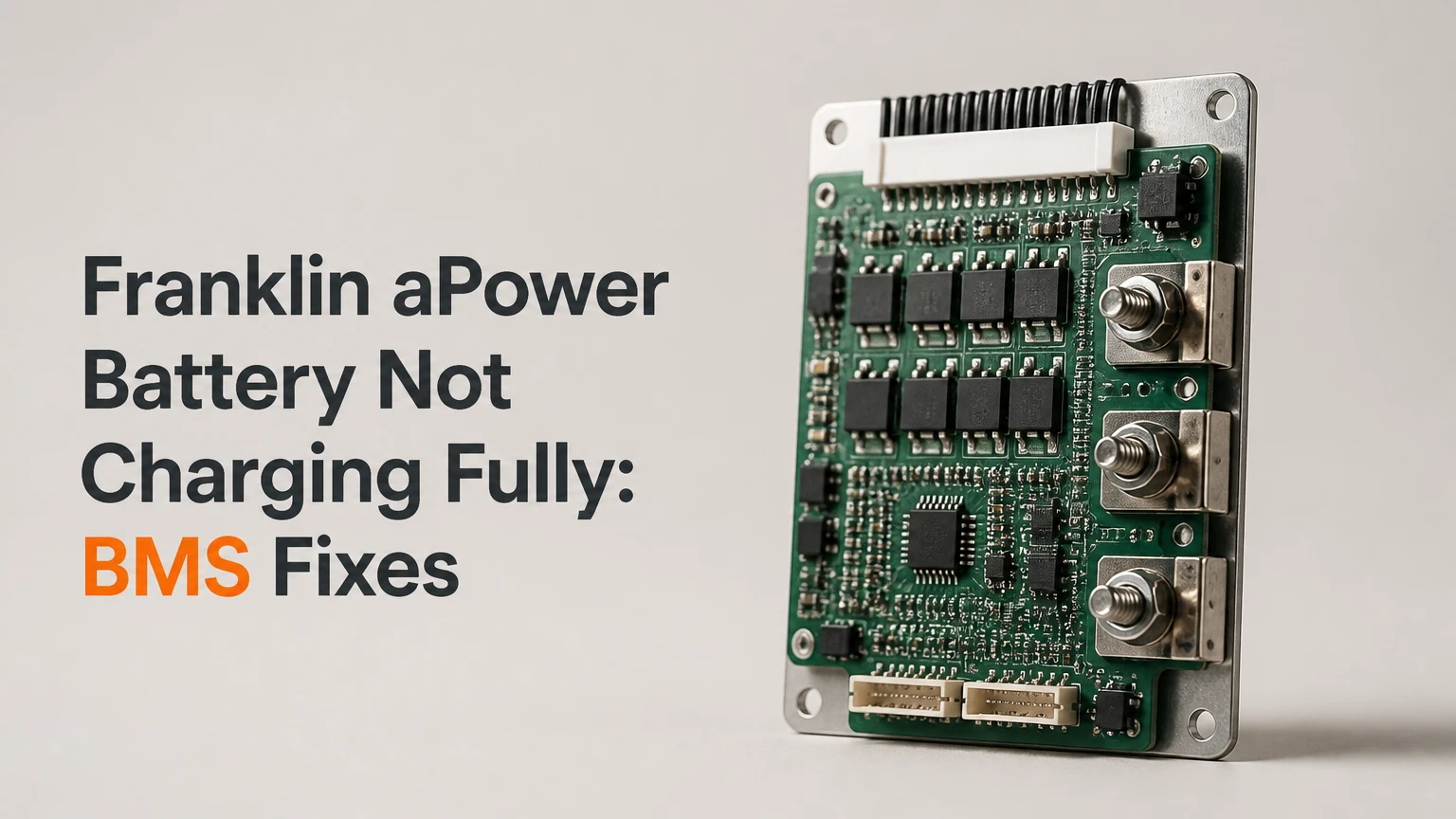
A Franklin aPower battery that is not charging fully usually has a charging limit caused by operating mode, backup reserve, temperature, available solar or grid input, or battery-management-system balancing. A battery that pauses at 95%-99% can be operating normally, but a unit that remains low for several charging windows, reports a fault, or shows no input needs installer diagnosis.
Key facts at a glance
The FranklinWH aGate controls energy flow, while the aPower stores energy and the FranklinWH App displays system status.
Lithium iron phosphate batteries commonly reduce charging current near full SOC to protect individual cells.
A backup reserve setting is a minimum operating threshold, not necessarily a command to charge immediately to 100%.
Cold temperatures can reduce charging power because the battery may warm its cells before accepting a higher current.
A battery stopping at 99% for a short period differs materially from a battery remaining at 60% for multiple sunny days.
Do not open the aPower, bypass protection devices, or alter installer settings without a qualified FranklinWH installer.
What Does “Not Charging Fully” Mean?
A FranklinWH aPower is not necessarily defective when the app shows 95%, 98%, or 99% instead of 100%. Near full charge, the BMS can reduce current while it protects cell voltage and improves the accuracy of its state-of-charge estimate.
The practical definition depends on both the final percentage and the time pattern. A battery reaching 98% after a normal solar window and slowly moving higher later is different from a battery stuck at 82% despite adequate solar production. The app percentage is an estimate, not a direct measurement of remaining chemical capacity.
Quick diagnosis by symptom
| Observed behavior | Likely explanation | First check |
|---|---|---|
| Stops at 95%-99% for several hours | Cell balancing or normal charge taper | Battery temperature and charge power |
| Stops at the same percentage every day | Reserve, schedule, or configuration limit | Operating mode and TOU schedule |
| Remains below 80% on sunny days | Insufficient input, household load, or system limit | Solar production and app power-flow screen |
| Shows zero charge power | Disabled input, communication issue, or fault | Notifications, breakers, and installer status |
| Percentage jumps upward or downward | SOC recalculation or communications delay | App refresh, event history, and repeated readings |
| Charging slows below about 45°F | Low-temperature protection or heater operation | Battery temperature and local weather |
The most useful diagnostic measurement is not the displayed percentage alone. Record the starting SOC, ending SOC, charge power in kilowatts, solar production, grid status, temperature, and active household load during one complete charging opportunity.
How Does the FranklinWH Charging System Work?
The FranklinWH Home Power system uses the aGate for energy management, the aPower battery for storage and power conversion, and the FranklinWH App for user controls and telemetry. The aGate decides whether available energy should serve household loads, charge the battery, export to the grid, or follow a configured backup strategy.
FranklinWH aPower units use lithium iron phosphate, commonly abbreviated LFP or LiFePO4, with a battery management system that monitors cell voltage, temperature, current, and operating limits. FranklinWH product literature identifies the original aPower at 13.6 kWh usable capacity and the aPower 2 and aPower S at approximately 15.0 kWh, subject to model and configuration documentation.
Why does charging taper near 100%?
Individual battery cells do not reach identical voltage at exactly the same time. When one cell approaches its upper safety limit, the BMS can reduce pack charging current even though the overall SOC display has not reached 100%.
That behavior is protective, not proof of lost capacity. The battery may spend substantial time at a low charging rate while the BMS balances cells and confirms the top-of-charge condition. A short final interval can therefore take much longer than the first 80% of charging.
FranklinWH describes its battery architecture through active and passive balancing functions in its technical material. The important user-level consequence is simple: the highest-voltage cell can constrain the charging rate for the entire battery.
What does the app percentage actually tell you?
The SOC percentage estimates usable energy relative to the battery’s operating limits. It does not guarantee that every cell has reached an identical voltage, and it does not prove that the battery has lost the difference between 98% and 100%.
Compare the SOC reading with charge power and event history. If charge power falls from several kilowatts to a small value only near the top of the range, tapering is plausible. If charge power stays at zero while the battery remains far below full, the diagnostic path changes.
Which Settings Prevent Full Charging?
Operating mode, backup reserve, time-of-use schedules, and utility import restrictions can prevent the aPower from reaching 100%. Check these settings before treating a charging limit as a hardware fault.
| Setting or condition | Effect on charging | User action | Escalation point |
|---|---|---|---|
| Self-Consumption mode | Household loads receive available energy first | Observe one full solar window | Escalate if battery never charges with surplus |
| Time-of-Use schedule | Charge and discharge follow configured times | Review schedule periods and SOC targets | Ask installer to verify tariff configuration |
| Emergency Backup mode | Prioritizes preserving or replenishing backup energy according to system rules | Use only as a diagnostic setting | Do not assume it overrides every utility limit |
| Backup Reserve at 80%-100% | Limits discharge and can alter normal cycling | Confirm reserve is intentional | Repeated incorrect resets need support |
| Grid charging restriction | Prevents or limits utility-supplied charging | Check approved grid-charge configuration | Utility or installer may control the setting |
| Heavy household load | Consumes solar or grid power before storage | Compare load and charge power | Investigate if charge power is missing with low load |
A common interpretation error is assuming that Emergency Backup mode always forces immediate 100% charging. Actual behavior can still depend on available input, utility rules, battery temperature, schedules, fault states, and installer configuration. Use the official FranklinWH manual for the installed aGate version rather than changing settings repeatedly.
What Should You Check Before Resetting the System?
Before resetting a FranklinWH system, collect evidence from the app and confirm that no emergency, outage, or active fault condition makes a shutdown inappropriate. A reset cannot repair inadequate solar production, a tripped protection device, or a failed communication component.
Check the app status first
Record these values:
- Current SOC and the percentage where charging stopped.
- Charge power in watts or kilowatts.
- Solar generation and household consumption.
- Grid availability and any grid-import restriction.
- Battery temperature, if displayed.
- Notifications, warnings, and fault codes.
- The number of connected aPower units and each unit’s status.
Refresh the app and compare the live screen with the event history. A stale connection can display an old SOC value even while the aGate is operating correctly.
Compare available input with household demand
A simple power balance often explains incomplete charging:
Available charging power = solar and permitted grid input minus current household load.
For example, 3.0 kW of solar production serving a 2.4 kW household load leaves only about 0.6 kW for the battery. During a five-hour afternoon, that may add roughly 3 kWh before conversion and tapering losses. A battery beginning at 70% may not reach full under those conditions.
Do not judge charging from weather alone. A shaded array, snow cover, inverter clipping, export control, or a large heat pump load can reduce the energy available to the aPower.
How Do You Restore Full Charging Safely?
Use a staged workflow: verify settings, wait through a suitable temperature window, perform one controlled cycle if appropriate, and power-cycle the system only when the manual and installer guidance permit it.
Step 1: Verify mode, reserve, and schedule
Open the FranklinWH App and inspect the operating mode, backup reserve, TOU schedule, and grid-charge permissions. Confirm that no storm automation, utility demand-response event, or installer limit is restricting charging.
If the system has adequate input but repeatedly stops early, temporarily use the manufacturer-supported mode that prioritizes battery replenishment, if available for the installed system. Avoid making several changes at once because you will lose the ability to identify which setting affected charging.
You will know this step worked when: charge power appears during an available solar or permitted grid window and the SOC rises over time.
Common mistake: treating a reserve percentage as a guaranteed final SOC target.
Step 2: Check temperature and physical conditions
Inspect the app for temperature warnings and assess the battery location. FranklinWH batteries installed in garages, exterior enclosures, or unconditioned utility spaces can experience charging limits during cold mornings and hot afternoons.
Below approximately 45°F, charging may slow while the system manages cell temperature. That figure is a practical diagnostic threshold, not a universal shutdown point for every model or firmware version. High temperatures can also trigger derating, so do not place heaters, ice packs, or ventilation equipment directly against the enclosure.
You will know this step worked when: charging power increases after the battery reaches its permitted temperature range.
Common mistake: comparing a cold morning’s charge rate with a warm afternoon’s rate without recording temperature.
Step 3: Run one controlled calibration cycle
A controlled cycle can help when the SOC estimate appears inaccurate after long periods at a high reserve or standby level. It should not be used to repeatedly drain a battery, and it should be postponed during severe weather, outage risk, or a known fault.
A typical procedure is:
- Confirm the grid is stable and the home has no critical medical or life-safety dependence on the battery.
- Set the reserve to a conservative temporary value, often 20%-30%, only if permitted by the installed system and manual.
- Allow normal household loads to discharge the battery to that threshold.
- Restore the normal reserve setting and select the manufacturer-supported charging mode.
- Provide one uninterrupted charging window, ideally several hours of adequate solar or permitted grid input.
You will know this step worked when: the SOC moves smoothly upward and the battery reaches a higher final percentage under comparable conditions.
Common mistake: assuming a discharge to 20% repairs cell imbalance. It may improve SOC estimation, but a persistent cell-voltage fault requires service.
Step 4: Power-cycle only with approved instructions
Power-cycling can clear a temporary communications state, but it interrupts backup protection and should follow the FranklinWH manual for the specific aGate and aPower model. Keep the procedure supervised, and never remove covers or handle energized wiring.
A commonly published sequence for compatible systems is to turn off each aPower using its designated control, switch off the aGate supply breaker, wait about two minutes, restore the aGate supply, then restart the aPower units. The official FranklinWH outage guidance and installer documentation take precedence because breaker layouts and model procedures differ.
You will know this step worked when: the app reconnects, all units appear online, no fault returns, and charge power resumes during an available input window.
Common mistake: restarting only the battery while leaving the aGate in an abnormal communications state.
How Long Should Full Charging Take?
Charging time depends on usable capacity, starting SOC, input power, household demand, conversion losses, and the final taper. A 15.0 kWh aPower 2 receiving a steady 5 kW of net charging power would require about three hours in an ideal calculation, but real charging commonly takes longer.
| Scenario | Starting SOC | Net charge power | Typical time to near full |
|---|---|---|---|
| aPower 2, strong surplus solar | 20% | 4.0-5.0 kW | 3-5 hours |
| aPower 2, modest winter surplus | 40% | 1.0-2.0 kW | 5-9 hours |
| Original aPower, late-stage taper | 90% | 0.2-1.0 kW | 1-4 hours |
| Two-unit system, shared solar surplus | 30% | 3.0-5.0 kW total | 5-8 hours |
| Grid-limited installation | 50% | 0.5-2.0 kW | 4-10 hours |
These are typical diagnostic ranges, not manufacturer guarantees. A battery can remain at 99% while the BMS completes its top-of-charge process. Compare equivalent weather and load conditions before concluding that the charging time is abnormal.
Which aPower Model Is Installed?
Model identification matters because capacity, inverter output, and charging architecture differ across the FranklinWH lineup. The original aPower is commonly listed at 13.6 kWh usable capacity, while aPower 2 and aPower S are commonly listed at 15.0 kWh.
| Model | Usable capacity | Continuous output | Inverter architecture |
|---|---|---|---|
| aPower | 13.6 kWh | 5.0 kW | Built-in AC-coupled inverter |
| aPower 2 | 15.0 kWh | 10.0 kW | Built-in AC-coupled inverter |
| aPower S | 15.0 kWh | 10.0 kW | Hybrid DC/AC inverter |
| aPower 2 stacked system | 30.0 kWh with two units | 20.0 kW nominal combined | Multiple AC-coupled units |
FranklinWH product pages and datasheets identify different output and system features by model and revision. Confirm the nameplate, installer commissioning record, and app device list before applying model-specific instructions.
A stacked system can also create misleading symptoms. One unit may be charging normally while another is offline, temperature-limited, or reporting a fault. Check each battery individually rather than relying on the combined SOC.
What Does Incomplete Charging Cost to Fix?
The cost depends on whether the problem is a setting, a communications reset, an installation issue, or a failed component. A configuration correction may require only a remote support session, while rewiring, sensor replacement, or warranty service can require an onsite visit.
| Diagnostic outcome | Typical time | Typical direct cost | Likely responsible party |
|---|---|---|---|
| App setting or schedule correction | 15-45 minutes | $0-$150 | Owner, installer, or remote support |
| Communications or power-cycle visit | 1-3 hours | $150-$500 | Installer or service contractor |
| Sensor, breaker, or wiring diagnosis | 2-6 hours | $300-$1,200 | Qualified electrician or installer |
| Warranty component replacement | 1-2 visits | $0-$1,500 before coverage | FranklinWH and installer |
| Additional battery installation | 1 day | $7,500-$9,500 typical | Installer |
Typical installed pricing for a single aPower 2 or aPower S system paired with an aGate is often reported around $11,500-$16,000 before incentives, while actual pricing varies by region, electrical work, permits, and incentives. Do not purchase another battery to solve a charging-control fault.
When Is the Battery Problem Probably Hardware?
A hardware or installation issue becomes more likely when the battery remains far below full despite adequate input, or when the same warning returns after settings and temperature have been ruled out.
| Evidence | More likely cause | Recommended response |
|---|---|---|
| SOC stops at 98%-99%, charge power tapers | Normal BMS behavior | Monitor one to three comparable cycles |
| SOC stops at 60%-80%, input exceeds load | Configuration or BMS limit | Save screenshots and contact installer |
| One stacked unit reads offline | Communications, breaker, or unit fault | Do not repeatedly restart; request service |
| Fault code returns after reset | Persistent protection condition | Stop troubleshooting and escalate |
| Battery enclosure is unusually hot, swollen, or damaged | Safety or equipment failure | Keep clear and contact emergency service or installer |
| No charge across sunny days and permitted grid windows | Input path, inverter, or control fault | Arrange qualified diagnosis |
FranklinWH manuals, installer documentation, and warranty terms should control the escalation decision. A user should not open the enclosure, probe battery terminals, bypass a breaker, or force a charge command through undocumented settings.
Common Mistakes That Delay Diagnosis
- Changing the reserve repeatedly: Frequent setting changes create confusing SOC history and can trigger unexpected discharge behavior.
- Blaming the battery for low solar surplus: Household demand can consume nearly all production before charging begins.
- Resetting during an outage: A restart can temporarily remove backup capability when the home needs it most.
- Ignoring one offline unit: A combined battery percentage can hide a communication or protection problem in a stacked installation.
- Using external heat or cooling: Improvised temperature treatment can damage the enclosure and create a safety hazard.
- Expecting every cycle to end at 100%: Weather, load, schedules, and the final BMS taper make 100% an outcome, not a guarantee.
A useful practitioner rule is to compare three consecutive charging opportunities with similar weather and household load. One unusual day is weak evidence; a repeated pattern with adequate input is actionable evidence.
Another rule is to prioritize charge power over the SOC number. A slow rise from 97% to 99% usually indicates a different condition than a flat 70% reading with zero watts.
When Should You Contact FranklinWH or an Installer?
Contact the installer or FranklinWH support when the aPower remains below its normal range after one controlled charging cycle, when a fault code returns, or when the app shows missing battery telemetry. Provide evidence rather than only reporting that the battery “will not charge.”
Send:
- Model and serial information, if safely available from the app or documentation.
- SOC at the start and end of each charging window.
- Charge power, solar generation, and household load.
- Battery temperature and outdoor temperature.
- Operating mode, reserve, and TOU schedule.
- Screenshots of warnings and event timestamps.
- Whether the issue affects one aPower or every connected unit.
Escalate immediately for smoke, fire, unusual odor, visible damage, swelling, liquid intrusion, repeated breaker trips, or extreme enclosure heat. Keep people away from damaged equipment and follow local emergency guidance.
FAQ
Can a FranklinWH aPower charge from the grid?
A FranklinWH aPower can support grid charging when the installed system, utility rules, tariff configuration, and installer settings permit it. Some jurisdictions or power-control configurations restrict grid charging. Check the app status and commissioning documentation before assuming the grid is available as a charging source.
Why does my aPower stop at 99% overnight?
A FranklinWH aPower may stop at 99% because the BMS is reducing current near full charge, one cell is approaching its upper voltage limit, or the displayed SOC has not completed its final recalculation. If the battery reaches 99% consistently and has no warnings, monitor it before requesting service.
Is leaving an LFP battery at 100% harmful?
Leaving an LFP battery at 100% is not automatically harmful, and backup systems may appropriately maintain a high SOC before severe weather. However, prolonged operation at maximum SOC can reduce available cycling flexibility and may make SOC estimation less informative. Follow FranklinWH reserve guidance and installer recommendations.
Why does my aPower charge from solar one day but not the next?
Solar charging changes with irradiance, shading, array temperature, snow, inverter limits, household demand, and export-control settings. Compare solar watts with home-load watts in the FranklinWH App. If surplus power exists but battery charge remains zero across several windows, contact the installer.
Can a power outage prevent the battery from reaching 100%?
A power outage can change the aGate’s operating priorities and available charging sources. During an outage, household loads, solar production, reserve protection, and black-start behavior can limit charging. Do not power-cycle a backup system during an outage unless the official procedure or installer directs you to do so.
Does a new aPower need calibration?
A new aPower does not normally require an owner-performed deep cycle as routine maintenance. The installer should commission and verify the system. If the SOC appears inconsistent after installation, record the app data and ask the installer to confirm firmware, battery communication, configuration, and commissioning values.
The Bottom Line
When a Franklin aPower battery not charging fully, start with operating mode, reserve, schedule, grid permissions, solar surplus, temperature, and app fault history. A brief pause at 95%-99% commonly reflects LFP battery tapering or BMS balancing, while a battery stuck below 80%, showing zero charge power, or returning a fault needs qualified diagnosis.
Use one controlled cycle only when conditions are safe and the installed documentation permits it. Treat power-cycling as a limited communications remedy, not a substitute for repairing an input, wiring, thermal, or battery fault. The fastest path to resolution is a three-day record of SOC, charge power, temperature, household load, and notifications shared with the FranklinWH installer.