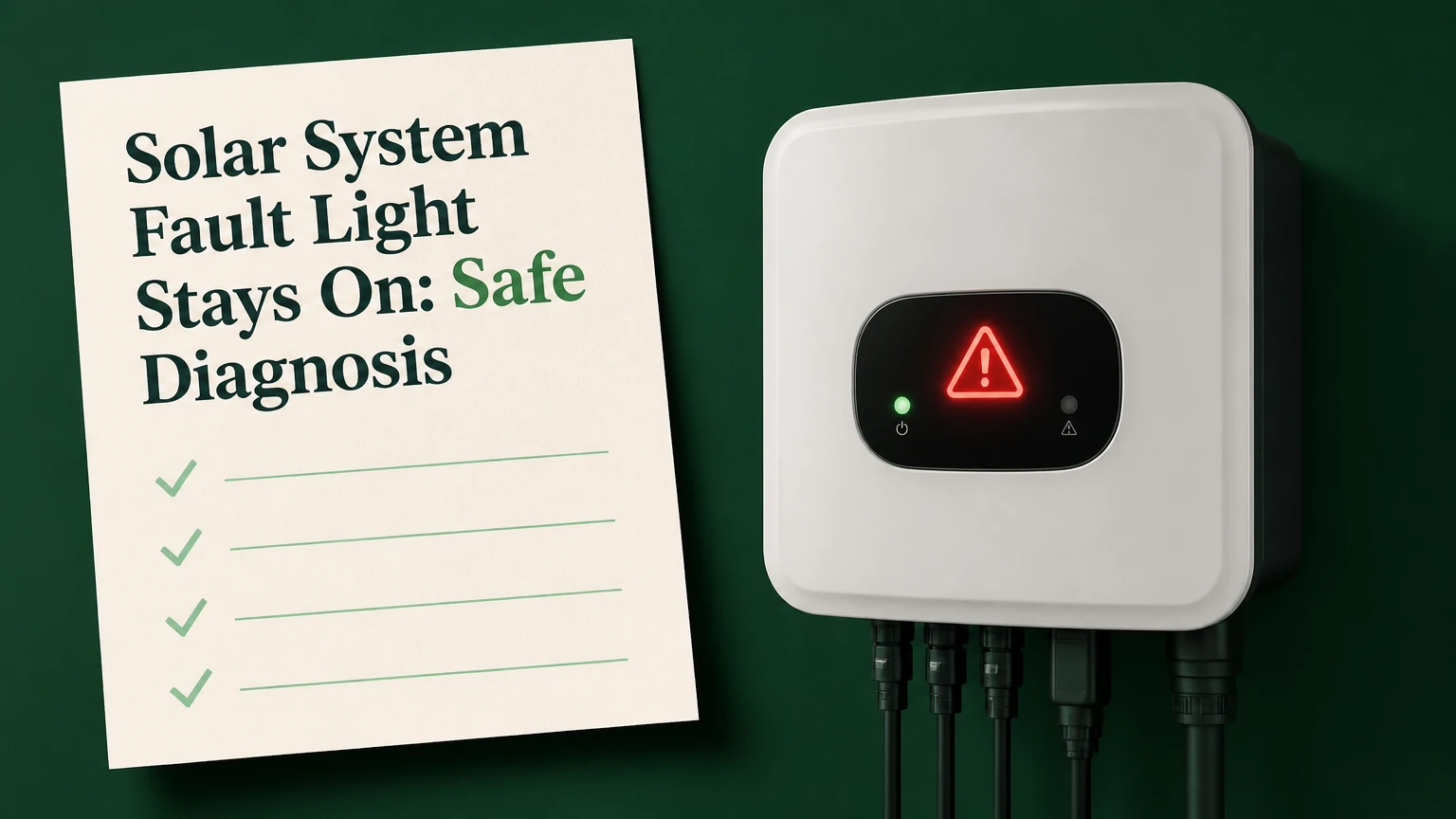
A solar system fault light stays on when the inverter, battery controller, or monitoring equipment has detected an abnormal electrical, grid, thermal, or communication condition. A solid red or amber indicator often means reduced or stopped generation, but the exact meaning depends on the manufacturer, model, LED pattern, and displayed error code.
Key Facts at a Glance
- A persistent red inverter light usually indicates a recorded fault, shutdown, or restricted power condition, not automatically a failed solar panel.
- An insulation resistance fault after rain can involve high-voltage DC wiring and requires a qualified solar electrician.
- Grid overvoltage often appears during sunny midday periods and may require utility investigation rather than inverter replacement.
- Owners can document codes, check app data, and inspect equipment from ground level, but should not open the inverter or disconnect rooftop connectors.
- A single controlled reset is reasonable only when the manufacturer permits it and no burning smell, smoke, water ingress, or damaged cable is visible.
- Typical residential diagnosis costs $150-$300, while an out-of-warranty inverter replacement commonly costs $1,200-$3,500 or more.
What Does a Persistent Fault Light Mean?
A persistent fault light means the solar inverter has stored an abnormal condition that has not cleared, or the inverter has not completed its return-to-service checks. The condition can affect the DC array, AC household wiring, utility grid, battery, internal temperature, relay assembly, or communications hardware.
A warning light does not always mean immediate danger. Some systems use amber for standby, commissioning, or a temporary grid check, while others use red for a confirmed error. LED colors are not standardized across SolaX, Fronius, SolarEdge, SMA, Enphase, Huawei, and other manufacturers, so the manual and error message outrank color assumptions.
The first practical question is whether the inverter is producing power. Check the monitoring app, inverter display, or utility energy data for the same time period. A nighttime fault can remain visible because the inverter retains the event even though panels are producing no DC power after sunset.
Is the Light Red, Amber, Flashing, or Solid?
A solid red light generally deserves faster attention than a brief flashing status light, but the exact interpretation remains model-specific. Fronius, SolarEdge, and SolaX equipment use different combinations of color, flash frequency, display text, and portal alerts.
| Indicator pattern | Typical meaning | Immediate owner action | Production effect |
|---|---|---|---|
| Solid red | Latched fault or shutdown | Record code and check monitoring | 0% to 100% loss |
| Flashing red | Active or repeating error | Record flash pattern and timing | Intermittent or zero output |
| Solid amber | Warning, standby, or restricted mode | Consult model manual | 0% to 50% reduction |
| Green after sunset | Normal idle state | Recheck after sunrise | 0% nighttime output |
| No light | AC isolation, failed display, or sleep mode | Check app and switchboard externally | Unknown until tested |
How Does the Inverter Create the Fault Signal?
A grid-connected inverter continuously measures DC voltage and current from the photovoltaic array, AC voltage and frequency at the switchboard, insulation resistance to earth, internal temperature, and, on hybrid systems, battery status and communications. If a value crosses a programmed protection limit, internal switching components isolate the inverter from the grid and the controller records a fault.
The inverter is therefore a decision point, not necessarily the source of the failure. A high grid voltage can trigger an inverter fault even when the inverter electronics are healthy. Similarly, moisture in an MC4 connector can trigger an isolation fault even when every solar module is generating correctly.
Grid protection settings depend on location and certification. For example, 253 V is a commonly referenced upper nominal voltage in some Australian residential contexts, while North American systems use different nominal voltages and standards. The correct threshold is the value required by the local grid code and the installed model, not a universal internet number.
What Happens During a Shutdown?
The inverter opens its AC connection relay, limits or stops energy conversion, and may also isolate the DC input according to its design. Solar modules can still produce hazardous DC voltage in daylight even when the display is dark, so a shutdown does not make rooftop wiring safe to touch.
Which Faults Cause the Light to Stay On?
Persistent inverter faults usually fall into five groups: insulation or earth faults, AC grid faults, battery and communications faults, thermal or ventilation faults, and internal hardware faults. The error code narrows the category, but electrical testing is required to identify the failed component.
| Fault family | Common trigger | Usual symptom | Qualified repair method |
|---|---|---|---|
| ISO or earth fault | Wet connector or damaged insulation | Fault after rain, low insulation value | Insulation resistance testing |
| AC grid fault | High voltage or frequency excursion | Midday trip, repeated reconnect attempts | Logged AC voltage and utility test |
| Battery or BMS fault | Low state of charge or lost data link | Battery unavailable or charging stopped | BMS, CAN, or RS485 diagnosis |
| Thermal fault | Blocked airflow or failed fan | Error during hot afternoons | Temperature and airflow inspection |
| Hardware fault | Failed relay, capacitor, or board | Immediate return after reset | Component repair or inverter replacement |
What Is an ISO or Earth Fault?
An ISO fault means the inverter has measured insufficient electrical resistance between a live DC conductor and earth. Moisture, crushed cable insulation, a cracked junction box, animal damage, incorrect connectors, or a faulty module can reduce insulation resistance enough to trigger protection.
Treat an ISO fault as a qualified-technician issue. Do not touch panel frames, mounting rails, exposed cable, or roof equipment while the fault is active, particularly after rain. Do not unplug MC4 connectors, because opening a live DC circuit can create an arc that damages contacts and starts a fire.
Why Does Grid Overvoltage Happen at Midday?
Grid overvoltage occurs when voltage at the inverter rises above its permitted operating range, commonly during strong solar export on a high-impedance or lightly loaded feeder. Long AC cable runs, undersized conductors, a shared rural transformer, and many neighboring PV systems can increase the voltage rise.
An inverter may work normally in the morning and trip repeatedly between 11 a.m. and 3 p.m. That timing strongly supports a grid or voltage-rise investigation, although only a qualified electrician or utility technician can confirm it with a calibrated meter and logged measurements.
Can a Battery Cause the Fault Light?
A hybrid inverter can display a fault when the battery management system reports low voltage, excessive temperature, overcurrent, isolation loss, or a communication failure. A battery may remain disconnected while the solar array and household AC circuits appear normal, or the whole hybrid inverter may shut down depending on system architecture.
Owners can record battery state of charge, temperature warnings, and the last successful charge event. They should not remove battery covers or manually bridge terminals. Lithium battery faults require the battery manufacturer’s procedure and, for smoke, swelling, hissing, or rapid heating, emergency escalation.
What Can You Safely Check?
Safe owner checks consist of reading the code, reviewing production data, checking externally accessible breakers, and looking for visible damage from the ground. These checks usually take 5-10 minutes and require no tools, roof access, enclosure removal, or contact with electrical conductors.
Step 1: Record the Exact Error
Photograph the inverter screen and write down the code, date, time, weather, and whether household power is available. Save the monitoring-app event, daily production graph, and battery state of charge before attempting any reset.
Error labels such as “Isolation Fault,” “Relay Check Fail,” “AC Volt,” “Grid Loss,” “RISO,” “HW Fault,” and “BMS Comm” point toward different tests. A generic “red light” description does not provide enough information for a technician to order the correct part.
Step 2: Check External Switches
From a safe standing position, confirm whether the dedicated solar AC breaker appears on, whether a labeled external AC isolator is in its normal position, and whether the household main supply is working. Do not repeatedly reclose a breaker that trips immediately.
Inspect the inverter casing for water entry, melted plastic, soot, bulging panels, or a damaged cable visible without removing covers. Check the surrounding area for blocked ventilation, leaves, nesting material, or direct sprinkler spray.
Step 3: Compare App Data With the Inverter
A monitoring portal can show whether the issue affects the complete system, one string, one optimizer, one microinverter, or only the internet connection. A stale graph with a last update from six hours ago indicates a communications issue, not proof that the panels stopped producing.
Compare current output with a clear-day baseline from the same season. Cloud cover, shading, snow, high module temperature, and export limits can reduce output without creating a fault.
Step 4: Perform Only a Manufacturer-Approved Reset
A reset can clear a transient grid event or software lock, but it cannot repair wet insulation, failed hardware, or excessive utility voltage. Use the exact shutdown and startup sequence in the model manual, because AC-first and DC-first instructions vary by equipment and jurisdiction.
If the manual permits an owner-operated reset, isolate only the labeled external switches, wait at least 5 minutes, and restore power exactly as directed. Never open the inverter, remove covers, touch terminals, or rely on a generic sequence copied from another brand.
Success checkpoint: the code clears, the status becomes normal, and production resumes after the inverter completes its grid reconnection delay, which commonly takes 1-5 minutes.
Common mistake: resetting repeatedly while an ISO, smoke, burning smell, or breaker-trip condition remains active.
Why Did the Fault Appear After Rain, Heat, or an Outage?
Weather and grid events change the electrical conditions that protection circuits measure. Rain commonly exposes insulation weaknesses, heat can activate thermal protection, and an outage can produce a temporary grid fault or reveal a relay problem when the inverter attempts reconnection.
| Situation | Likely fault path | Useful evidence | Recommended response |
|---|---|---|---|
| First fault during rain | DC insulation leakage | ISO code and wet-weather timing | Leave isolated and book solar electrician |
| Fault on hot afternoons | Heat sink or fan issue | Temperature warning after 12 p.m. | Clear external airflow obstruction only |
| Fault after blackout | Grid reconnection check | Grid loss or relay code | Wait for utility restoration, then one approved reset |
| Fault after storm debris | Cable or module damage | Ground-level visible impact | Do not access roof; request inspection |
| Fault during every sunny midday | Grid voltage rise | Repeated AC voltage code | Ask installer to log voltage and contact utility |
An intermittent fault is not automatically harmless. Moisture can dry before a technician arrives, and a loose connector can heat under load while appearing normal at dusk. Record the exact weather and time pattern so the technician can reproduce the condition.
Do Microinverters and Optimizers Behave Differently?
Microinverter systems usually localize a failure to one panel or one microinverter, while a conventional string inverter can shut down an entire array when one string fails an insulation or voltage test. Power optimizers sit between those designs: a single optimizer may stop one module, but the central inverter can still report a system-level error.
| Equipment architecture | Fault visibility | Typical affected area | Main diagnostic clue |
|---|---|---|---|
| String inverter | Central display or portal | One string or whole array | DC voltage and insulation code |
| Microinverters | Module-level portal data | One module or small group | Missing device serial number |
| DC optimizers | Module data plus central inverter | One module to whole array | Optimizer and inverter event logs |
| Hybrid inverter | Central display plus battery portal | Solar, battery, or both | BMS and AC/DC event correlation |
A red light on a gateway or communications hub may indicate lost internet or device communication rather than dangerous DC damage. The system may still generate power locally, but the owner loses visibility until communications recover.
Is the Utility or Inverter Responsible?
The utility is the likely responsible party when a qualified technician confirms repeated voltage or frequency excursions at the point of connection. The inverter or installation is more likely responsible when the fault appears immediately at sunrise, follows rain, affects one string, or returns instantly after a correct reset.
| Evidence | More likely source | Typical next test | Potential party |
|---|---|---|---|
| AC voltage above local limit | Distribution network or cable voltage rise | 24-hour voltage logging | Utility or installer |
| Low insulation resistance | Array wiring or module | String-by-string insulation test | Installer or electrician |
| Relay failure code | Inverter hardware | AC relay and board test | Inverter manufacturer |
| Lost BMS communication | Battery cable or firmware | CAN/RS485 continuity and settings | Battery installer |
| Portal offline only | Router, gateway, or cloud | Local display and network test | Owner, internet provider, or installer |
Do not ask the utility to investigate a suspected roof insulation fault. Do not ask an electrician to replace an inverter before voltage and insulation measurements identify the failure path.
How Much Does Repair Usually Cost?
Typical residential costs range from $150-$300 for diagnostic attendance, $250-$600 for accessible connector or cable repairs, and $1,200-$3,500 or more for an out-of-warranty inverter replacement. Prices vary with region, roof access, system size, crane or scaffolding requirements, permits, and the manufacturer’s warranty process.
| Work item | Typical cost | Typical duration | Main price variable |
|---|---|---|---|
| Diagnostic visit and testing | $150-$300 | 1-2 hours | Travel and test complexity |
| MC4 or DC cable repair | $250-$600 | 2-4 hours | Roof access and cable length |
| Grid-voltage investigation | $200-$700 | 2-6 hours | Logging period and utility coordination |
| Hybrid battery diagnosis | $250-$800 | 2-5 hours | BMS access and firmware |
| Inverter replacement | $1,200-$3,500+ | 1-3 weeks | Size, stock, permits, warranty |
These are typical planning figures, not quotes. A system under a 5-10-year inverter warranty may incur only labor or callout charges, while a battery and labor warranty can involve separate claim rules.
Keep the installation invoice, serial number, commissioning report, error screenshots, production history, and technician test results. Warranty administrators commonly need those records before authorizing replacement equipment.
When Is the Fault an Emergency?
Smoke, flames, a burning odor, melted plastic, loud sizzling, visible arcing, a swollen battery, water entering the enclosure, or a person receiving an electric shock makes the situation an emergency. Move people away, avoid touching equipment, call emergency services for fire or injury, and tell responders that the property has solar panels and battery storage.
For a non-fire fault, keep clear of rooftop equipment and arrange a licensed solar electrician when the light remains on after one approved reset, the same code returns, production stays at zero during daylight, or a breaker trips again.
What Should You Never Do?
- Do not open the inverter enclosure, even after turning off visible switches.
- Do not climb onto the roof to inspect connectors, modules, or mounting rails.
- Do not pressure-wash panels, junction boxes, or MC4 connections.
- Do not pull apart connectors under sunlight.
- Do not repeatedly reset a system with an ISO, relay, thermal, or hardware code.
- Do not spray water on a hot panel or inverter to cool it.
One practitioner rule is especially important: a dark inverter is not proof that the array is electrically dead. Daylight can keep DC conductors energized unless a qualified person verifies isolation with appropriate test equipment.
What If the Light Stays On After a Reset?
If the fault light returns immediately after a manufacturer-approved reset, stop resetting and preserve the code history for the installer. Immediate recurrence usually indicates a persistent electrical, grid, battery, thermal, or hardware condition rather than a temporary software event.
A technician may use an insulation resistance meter, clamp meter, multimeter, thermal camera, IV-curve tracer, event-log export, or power-quality logger. The correct tool depends on the code. A thermal camera can locate overheated connections, but it cannot prove safe insulation resistance.
The system may need only a connector repair, or it may require a replacement inverter. Replacing the inverter before testing array insulation and AC voltage risks installing new equipment into the same fault condition.
Troubleshooting by User Situation
The Light Is On at Night
A nighttime light can be normal status memory, a communication fault, or a latched daytime error. Check whether the monitoring portal reports the latest event and whether the light changes after sunrise, when the inverter runs its normal DC and grid checks.
The App Shows Zero, but the Light Is Green
A green LED with zero app production often indicates internet, gateway, or cloud synchronization failure. Check local display output first, then the router, gateway power, and portal timestamp without changing electrical isolation settings.
Solar Works in the Morning but Stops at Noon
This pattern points toward heat-related derating, midday grid overvoltage, or an inverter cooling problem. Record the exact stop time for several days and request voltage and temperature logging rather than a blind inverter swap.
Only the Battery Is Offline
A battery-only fault may leave daytime solar export working while charging and backup remain unavailable. Record state of charge and battery alarms, then use the installer’s battery procedure; do not access high-voltage battery terminals.
The Problem Began After Installation
A fault appearing during commissioning may result from incorrect connector pairing, cable damage, firmware configuration, a missing grid setting, or an installation defect. Contact the installer first and request commissioning test records, including polarity, insulation, and voltage results.
Frequently Asked Questions
Can a solar inverter fault clear by itself?
A temporary grid event can clear after the utility returns within permitted voltage and frequency limits, and many inverters reconnect after a 1-5 minute verification delay. An ISO, battery, thermal, or hardware fault usually requires investigation when the same code returns or production remains interrupted.
Does a red light always mean the solar panels are damaged?
No. A red light can result from grid voltage, battery communication, internet monitoring, temperature, or inverter hardware conditions while the panels remain electrically sound. Panel or rooftop wiring damage becomes more likely when an insulation code follows rain or the inverter reports abnormal string measurements.
How long can I leave the fault light on?
Arrange diagnosis promptly, especially if daytime production is zero or the code concerns insulation, heat, battery safety, or hardware. Leaving a harmless communication warning for a short period may only reduce monitoring, but an active electrical fault can worsen and may create shock or fire risk.
Can I claim lost solar savings from the utility?
Usually not automatically. Utility responsibility and compensation depend on local regulations, interconnection contracts, documented voltage measurements, and whether the outage resulted from network conditions or private equipment. Preserve production records and ask the installer or utility for a written fault assessment.
Should I replace the inverter if it is more than ten years old?
Age alone does not prove replacement is necessary. Replacement becomes more economical when testing confirms internal failure, parts are unavailable, repair approaches the cost of a current unit, or the old inverter lacks required battery, communications, or grid-code functions.
The Bottom Line
A solar system fault light stays on because a protection system has recorded an unresolved electrical, grid, battery, thermal, communications, or hardware condition. Record the exact code, compare the inverter with monitoring data, perform only a manufacturer-approved reset, and stop immediately if there is smoke, water ingress, burning, damaged wiring, repeated breaker tripping, or an insulation fault. A qualified solar electrician should test the root cause before anyone replaces the inverter.