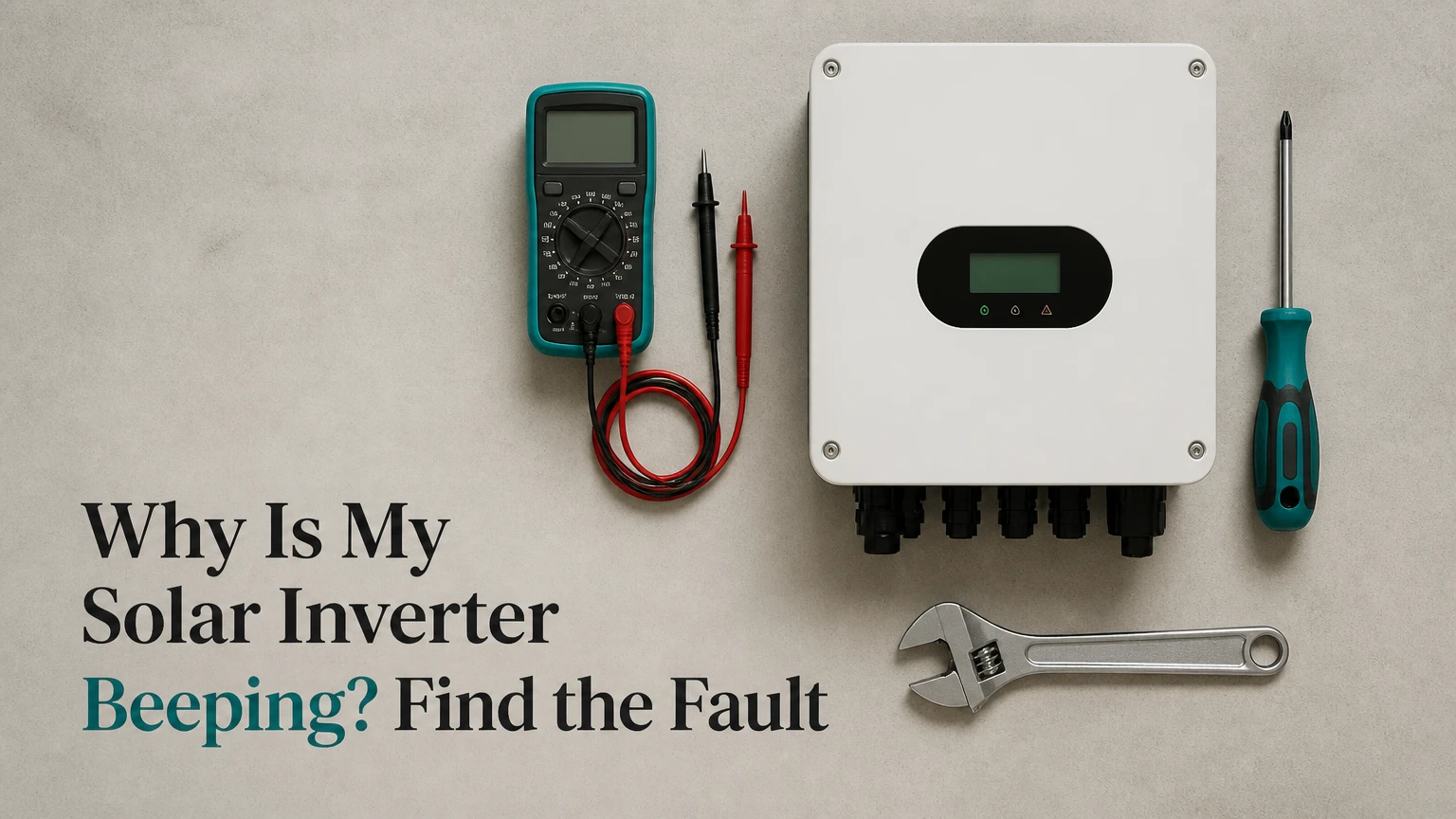
A solar inverter beeps because its control system has detected a status change, operating limit, or fault that needs attention. The most common causes are a grid outage, low battery, excessive load, high temperature, abnormal DC or AC voltage, communication failure, or an insulation fault. The display code and beep pattern identify the cause.
Key Facts at a Glance
A grid-tied inverter normally stops producing electricity during a utility outage because anti-islanding protection prevents unsafe backfeeding.
A low battery can cause repeated alarms in a hybrid or off-grid inverter, especially after sunset or during several cloudy days.
A continuous alarm with a red fault indicator, burning smell, water ingress, or damaged wiring requires immediate professional attention.
Beep patterns are manufacturer-specific; a single beep does not always mean a grid fault, and double beeps do not always mean low voltage.
Never open an inverter enclosure or disconnect live solar connectors because DC voltage can remain present in daylight.
A reset can clear a temporary communication or startup fault, but it cannot repair damaged insulation, failed fans, bad batteries, or incorrect system design.
Why Is My Solar Inverter Beeping?
A solar inverter beeps when its monitoring electronics move from normal operation into an alert, warning, or fault state. Sensors measure photovoltaic voltage, battery voltage, output current, internal temperature, grid frequency, insulation resistance, and communication status; the inverter then activates a buzzer according to programmed logic.
The exact meaning depends on the manufacturer, model, firmware, and system type. A Solis, Fronius, Huawei, SolarEdge, Enphase, Growatt, SMA, or Victron unit can use entirely different sounds and codes for similar conditions. Treat the audible alarm as a prompt to read the screen or application, not as a universal diagnostic code.
The U.S. Department of Energy describes inverters as “the brains of a solar system” because they control conversion and grid interaction. That control role explains why the same device can beep for a utility event, an appliance surge, a battery limit, or an internal component problem.
What should you check first?
Read the exact code before switching anything off. Record the code, time, weather, battery percentage, inverter output, red or amber indicator status, and appliances operating when the alarm began. Take a photograph of the display if the code disappears.
| First observation | Likely system area | Safe first action | Escalation trigger |
|---|---|---|---|
| Beep begins during blackout | AC grid connection | Check utility power and wait | Alarm continues 10 minutes after stable grid return |
| Beep begins after appliance startup | AC output load | Switch off the largest load | Repeated trips below rated load |
| Beep begins after sunset | Battery or standby mode | Check state of charge and battery code | Battery falls below manufacturer cutoff repeatedly |
| Beep begins during hot weather | Cooling system | Clear external airflow path | Fan noise, hot casing, or thermal shutdown |
| Red fault light and rapid alarm | Electrical fault | Keep hands away from equipment | Immediate electrician assessment |
| Beep follows rain or washing | Insulation or moisture | Do not spray or open enclosure | Moisture, tripping, or isolation code |
Which inverter conditions cause beeping?
The main causes are grid abnormalities, overload, voltage limits, overheating, battery protection, insulation faults, and communications errors. The table below gives typical patterns, but the inverter manual always overrides generic pattern descriptions.
| Cause | Typical sound or indicator | Typical display wording | Immediate response |
|---|---|---|---|
| Grid outage | One short beep every 15-60 seconds | Grid Lost, No Grid, Islanding | Confirm utility outage |
| Output overload | Fast repeated beeps | Overload, OLP, Output Overload | Remove high-demand loads |
| Low battery | Two beeps at intervals | Battery Low, LVD, Low DC | Reduce load and charge battery |
| DC overvoltage | Repeated alarm with fault LED | PV Overvoltage, DC High | Stop troubleshooting at connectors |
| AC voltage fault | Repeated or long alarm | Vac High, Vac Low, Grid Fault | Contact installer or utility |
| Overtemperature | Long tone or repeated warning | Overtemp, Temp Fault | Improve ventilation |
| Isolation fault | Continuous alarm, red LED | ISO Fault, Riso Low, Ground Fault | Do not touch; call electrician |
| Communication failure | Periodic short alert | Com Fault, Meter Lost, BMS Lost | Check app and visible data cables only |
A beep that stops after grid power returns is often a normal protective response. A beep that continues under stable sunlight, normal load, and a healthy battery points toward a persistent fault rather than a temporary grid event.
Can a solar inverter beep during a power outage?
Yes. A grid-connected inverter can beep and stop supplying the home when utility voltage disappears. Anti-islanding protection disconnects the inverter so it does not energize utility lines while workers repair them. The inverter usually reconnects only after voltage and frequency remain within programmed limits for a required waiting period, commonly several minutes.
Backup-capable hybrid systems behave differently. They may continue powering selected circuits from a battery while the grid-tied output remains disconnected. A beeping hybrid inverter during an outage can therefore indicate low battery, excessive backup load, transfer-switch status, or failed grid detection.
Do not repeatedly reset the inverter during an active blackout. First determine whether the house has utility power, whether backup circuits remain energized, and whether the display identifies a normal grid-loss state.
Is the load too large for the inverter?
An inverter beeps for overload when connected appliances demand more power than the inverter can deliver continuously or briefly during startup. A 5 kW inverter may support approximately 5 kW continuously, but an air-conditioner compressor, refrigerator, pump, or power tool can impose a short surge above its continuous rating.
| Appliance or load | Typical running power | Typical startup or surge issue | Practical response |
|---|---|---|---|
| Microwave oven | 1,000-1,500 W | Low surge, high continuous demand | Avoid with kettle and toaster |
| Refrigerator | 100-400 W | 800-1,500 W compressor start | Leave startup headroom |
| Well or water pump | 500-2,000 W | 2-5 times running power | Check inverter surge rating |
| Split air conditioner | 700-2,500 W | Compressor surge varies by model | Use soft-start or remove load |
| Electric kettle | 1,500-3,000 W | Minimal surge | Do not combine with heater |
| Washing machine | 400-1,200 W | Motor surge during spin | Test without other large loads |
Turn off the largest loads at their normal controls, then wait for the inverter’s recovery interval. You will know an overload was likely when the alarm clears and output resumes without a new fault code. If the inverter trips with only a small measured load, the problem may involve a short circuit, wiring error, damaged relay, or incorrect output configuration.
A practitioner rule is to preserve at least 20% of continuous inverter capacity for temperature derating, measurement error, and motor startup. Manufacturer limits remain decisive.
Can a low battery cause the alarm at night?
A low battery commonly causes nighttime beeping in hybrid and off-grid systems because solar charging has stopped while household demand continues. The inverter may warn at a low-voltage threshold, disconnect the battery at a lower cutoff, and beep again when the battery voltage recovers after the load is removed.
Check battery state of charge, battery voltage, charging current, temperature, and the battery management system message. A displayed percentage can be misleading when a battery is cold, aged, poorly calibrated, or under heavy load. Lithium batteries may disconnect abruptly through the BMS, while lead-acid batteries show a more gradual voltage decline.
| Battery symptom | Typical interpretation | Safe user action | Technician test |
|---|---|---|---|
| Alarm below 20% state of charge | Normal low reserve warning | Reduce nonessential loads | Capacity and cutoff verification |
| Alarm after one heavy load | Voltage sag | Remove motor or heater load | Battery internal resistance |
| Alarm every night at 50% | Meter or battery fault | Check monitoring settings | Shunt and BMS calibration |
| Battery does not charge at sunrise | Charger or PV fault | Record morning voltage | Charge path and PV current |
| BMS Lost or CAN Error | Communication problem | Do not change protocols | Cable, termination, firmware |
| Swollen or hot battery | Physical safety hazard | Isolate only if instructed | Immediate battery service |
Do not repeatedly force a battery back online after a protective disconnect. Repeated deep discharge shortens battery life, and the correct remedy may be load reduction, additional storage, revised low-voltage settings, or battery replacement.
Could heat, dust, or a failed fan be responsible?
Overtemperature alarms occur when internal heat exceeds the inverter’s programmed operating range. Direct sun, blocked ventilation, dust buildup, failed fans, high ambient temperature, and sustained operation near maximum output all reduce heat rejection.
Clear boxes, stored materials, leaves, and cobwebs from the external ventilation area. Leave the clearances specified by the installation manual, which commonly range from 150-300 mm around side or top vents, but do not assume one brand’s clearance applies to another. Clean only external surfaces with a dry or slightly damp cloth when the equipment is cool and isolated according to the manual.
| Heat clue | Typical timing | Probable cause | Appropriate response |
|---|---|---|---|
| Alarm at 2-5 p.m. | Peak solar production | Direct sun or high load | Shade without blocking vents |
| Alarm after several hours | Sustained output | Thermal accumulation | Reduce load and inspect airflow |
| Alarm at startup | Immediate | Failed sensor or fan | Service inspection |
| Grinding fan sound | Any time fan runs | Bearing or obstruction | Stop opening panels; arrange repair |
| Hot casing with normal output | Continuous operation | Expected heat or poor airflow | Compare manual temperature limits |
| Shutdown followed by restart | Thermal protection cycle | Overtemperature | Record time and ambient conditions |
Never hose, spray, or pour water over an inverter. Water can enter vents, compromise insulation, and create a shock or fire hazard even when the enclosure has an outdoor protection rating.
What do DC, AC, and isolation faults mean?
DC faults occur on the panel or battery side, AC faults occur between the inverter and the building or utility, and isolation faults indicate unwanted current leakage from energized conductors toward earth. The categories require different tests, so changing one switch does not fix all beeping conditions.
Cold, bright conditions can raise the open-circuit voltage of photovoltaic strings. The installer must compare measured string voltage with the inverter’s maximum DC input and the panel string design. A homeowner should not unplug MC4 connectors in daylight because a live DC arc can damage connectors and injure the operator.
AC voltage or frequency outside the permitted range can result from utility conditions, a loose connection, undersized wiring, or an inverter setting mismatch. Only a qualified person with appropriate test equipment should measure live AC terminals.
An isolation fault deserves the highest caution. Moisture, rodent damage, crushed cable, degraded insulation, or a failed panel can lower insulation resistance. If the inverter displays ISO Fault, Riso Low, Ground Fault, or a similar message, keep away from exposed equipment and contact a licensed solar electrician.
When should you shut the system down immediately?
Shut down operation only using the manufacturer’s labeled isolation procedure, and seek professional help immediately when there is smoke, a burning odor, melted plastic, arcing, exposed cable, water inside the enclosure, a swollen battery, electric shock, or a rapid alarm with a red fault indicator. Do not remove covers or use a household multimeter on solar strings.
| Red flag | Why it matters | User response | Required service |
|---|---|---|---|
| Smoke or burning odor | Thermal or electrical failure | Move away and call emergency services if fire starts | Electrician and fire assessment |
| Water inside inverter | Energized moisture path | Avoid contact and nearby metalwork | Isolation and insulation test |
| Melted connector | Resistive heating or arc risk | Do not reconnect | Connector and cable replacement |
| Exposed DC conductor | Shock and arc hazard | Keep people away | DC circuit isolation |
| Swollen battery case | Gas, heat, or cell failure | Do not move the battery | Battery specialist |
| Shock or tingling | Possible fault current | Stop contact and isolate area | Electrical safety inspection |
How do you reset a beeping solar inverter safely?
A reset can clear a temporary startup or communications fault, but it cannot repair a hardware or insulation problem. If the display shows no emergency condition and the manual permits a user reset, record the code first, switch off loads, and follow the exact shutdown order for that model.
A generic sequence is below. Some systems require a different order, and some battery manufacturers prohibit user isolation, so the installation manual controls.
- Turn off high-demand appliances. Remove heaters, pumps, compressors, kettles, and other surge loads.
- Switch off the inverter’s AC supply. Use the labeled solar breaker or supply switch, not an unlabeled main isolator.
- Switch off the PV DC isolator. Operate the external, labeled isolator only; never unplug solar connectors.
- Shut down the battery if specified. Use the battery isolation switch or approved shutdown button.
- Wait five minutes. The interval allows the control system to shut down; internal capacitors can retain dangerous energy longer.
- Restart the battery and PV system. Follow the manufacturer’s stated order and indicator checks.
- Restore AC supply. Turn on the solar breaker after the DC and battery systems are ready.
- Monitor for 10 minutes. Check output, grid status, battery charging, temperature, and recurring codes.
The reset worked when the alarm clears, the status changes to normal or producing, and no code returns under ordinary conditions. A recurring alarm after one reset is evidence for diagnosis, not permission for repeated rebooting.
What if the noise is not an electronic alarm?
A solar inverter can make normal operating sounds that are different from a warning beep. Cooling fans produce airflow noise, relays make a brief click during startup, transformers can hum, and some high-frequency components produce a faint whine. A rhythmic electronic beep that matches an LED or display warning deserves diagnostic attention.
| Sound | Duration or pattern | Likely source | Action |
|---|---|---|---|
| Single click at startup | Less than 2 seconds | Internal relay | Usually normal |
| Low hum in sunlight | Continuous | Magnetics or switching | Compare with baseline |
| Fan rush | Cycles with temperature | Cooling fan | Keep vents clear |
| Grinding or rattling | Changes with fan speed | Fan bearing or debris | Arrange service |
| Short repeated beeps | Regular intervals | Warning state | Read code |
| Crackle or snap | Irregular, electrical | Arcing or damaged connection | Shut down safely and call electrician |
Record the sound with a phone while capturing the display. Audio alone rarely identifies a fault because manufacturers use different buzzer frequencies and intervals.
How do inverter types change the diagnosis?
String, microinverter, and hybrid systems distribute conversion and fault reporting differently. A string inverter can alarm for an entire array, a microinverter system may report one panel-level device through a gateway, and a hybrid inverter adds battery and backup operating states.
| Inverter type | Typical DC arrangement | Typical efficiency or life | Beeping diagnostic scope | Typical replacement cost |
|---|---|---|---|---|
| String inverter | 300-1,000 V DC strings | 97-98%; 10-15 years | Whole string and AC interface | $1,200-$3,500 installed |
| Microinverter | 30-60 V DC per panel | 20-25-year design life | Individual panel or gateway | $150-$400 per unit |
| Hybrid inverter | PV plus 48 V or 200-600 V battery | 8-15 years | PV, grid, battery, backup loads | $2,000-$6,000 installed |
| Off-grid inverter-charger | PV, battery, generator, loads | 8-15 years | Battery, charger, frequency, overload | $1,500-$5,000 installed |
Microinverters do not eliminate faults. They reduce the chance that one inverter failure disables the whole array, but roof access, gateway communications, and panel-level replacement can increase service complexity.
How much does diagnosis or replacement cost?
Typical residential service costs range from $100-$250 for a diagnostic visit, $200-$800 for a fan, communication board, or connector repair, and $1,200-$6,000 for installed inverter replacement, depending on capacity, battery integration, labor, and local code requirements. These are planning ranges, not universal quotations.
| Service | Typical price range | Typical duration | Main price variable |
|---|---|---|---|
| Diagnostic visit | $100-$250 | 1-2 hours | Travel and test complexity |
| Fan replacement | $200-$500 | 1-3 hours | Access and parts |
| Communication repair | $200-$800 | 1-4 hours | Gateway, meter, or board |
| Insulation fault tracing | $300-$1,200 | 2-8 hours | Number of strings and roof access |
| String inverter replacement | $1,200-$3,500 | 3-8 hours | Capacity and rewiring |
| Hybrid inverter replacement | $2,000-$6,000 | 5-12 hours | Battery, backup, and certification |
Warranty status can change the economics. Many residential inverters carry 5-12-year standard warranties, while microinverters often carry longer terms; labor, travel, and diagnostic charges may still be excluded.
What mistakes make inverter alarms worse?
The most damaging mistakes are bypassing warnings, repeatedly resetting the unit, spraying water into vents, changing battery settings without manufacturer approval, and testing live DC circuits without solar qualifications. These actions can conceal a fault, create an arc, void a warranty, or expose a person to lethal voltage.
- Do not silence the buzzer and continue operating. A disabled alarm can hide overheating, battery damage, or insulation leakage.
- Do not change voltage thresholds casually. Incorrect battery or grid settings can cause nuisance trips or unsafe operation.
- Do not assume a clear display means a healthy system. Intermittent faults may appear only under high temperature, peak load, or rain.
- Do not use a generic reset sequence blindly. Battery-integrated systems can have contactors and shutdown rules that differ from grid-only units.
- Do not compare codes across brands. “F02” has no universal meaning; the model manual defines it.
- Do not replace an inverter before testing the array and battery. A new inverter can reproduce the same fault if the original wiring or battery remains defective.
An experienced installer checks the event log, compares current operating values with nameplate limits, inspects visible cable routes, and tests the relevant circuit. Replacing the loudest component first is poor diagnosis.
Which information should you give an electrician?
Give the electrician the inverter brand, exact model, serial number, installation date, displayed code, beep rhythm, indicator color, battery type, recent weather, and appliances running when the alarm began. A photograph of the screen and a short recording can reduce the first diagnostic visit.
Also report whether the inverter produces power, whether the grid is available, whether the battery charges, and whether the alarm returns after a single authorized reset. Do not remove covers to obtain a serial number. The label is usually visible on the front, side, or underside.
What does the event history reveal?
The event log can distinguish a one-time grid disturbance from a repeating hardware condition. Repeated grid faults at the same time each day may indicate utility voltage rise, while repeated thermal faults near afternoon peak suggest heat or airflow limits. A battery communication fault that appears only below a specific state of charge may indicate BMS contactor behavior.
FAQ
Why does my solar inverter beep every few seconds?
A solar inverter that beeps every few seconds usually has an active warning such as overload, low battery, high temperature, or an electrical fault. Read the displayed code and check the indicator color before resetting. Rapid beeping with a red fault light, odor, heat, smoke, moisture, or damaged wiring requires professional service rather than further testing.
Why does my inverter beep only at night?
Nighttime beeping usually relates to battery state of charge, low-voltage disconnect, backup mode, or a battery management communication fault because photovoltaic charging has stopped. Check the battery percentage and code, then reduce nonessential loads. If the alarm occurs while the battery reads well above its cutoff, arrange testing for calibration, capacity, wiring, or BMS faults.
Is solar inverter beeping normal in rain?
Beeping during rain is not automatically abnormal, but a new alarm after rainfall can indicate moisture-related insulation resistance loss. Do not spray or open the inverter, and do not touch wet equipment or exposed cables. Record the code and contact a qualified installer, particularly if the inverter shows ISO Fault, Ground Fault, or Riso Low.
Can I leave a beeping inverter running?
You can leave an inverter running only when the manufacturer identifies the sound as a normal status notification and no fault, heat, smell, damage, or abnormal output exists. An unresolved alarm should not be ignored because protective warnings can precede shutdown or equipment damage. A red fault indicator or electrical hazard requires immediate isolation and service.
How long does a solar inverter normally last?
A residential string inverter commonly lasts 10-15 years, while microinverters often have 20-25-year design or warranty periods. Hybrid inverter life commonly falls around 8-15 years because battery charging, backup transfer, and high internal heat add operating stress. Actual life depends on temperature, loading, ventilation, firmware, moisture, and installation quality.
Should I replace an inverter that keeps beeping?
Replace a repeatedly beeping inverter only after a qualified technician confirms that the cause is internal failure or that repair is uneconomic. Grid faults, low batteries, blocked airflow, damaged PV wiring, and communication errors can all trigger the same user complaint. A fault code history and electrical test should precede a replacement decision.
The Bottom Line
The answer to “why is my solar inverter beeping” is usually found in the inverter’s code, event log, indicator light, and operating conditions rather than in the sound alone. Check for a grid outage, excessive load, low battery, heat, abnormal voltage, moisture, and isolation faults in that order, but stop immediately for smoke, water, exposed wiring, burning odor, or a rapid red-light alarm. An authorized single reset may clear a temporary fault; a recurring alarm requires a qualified solar electrician.