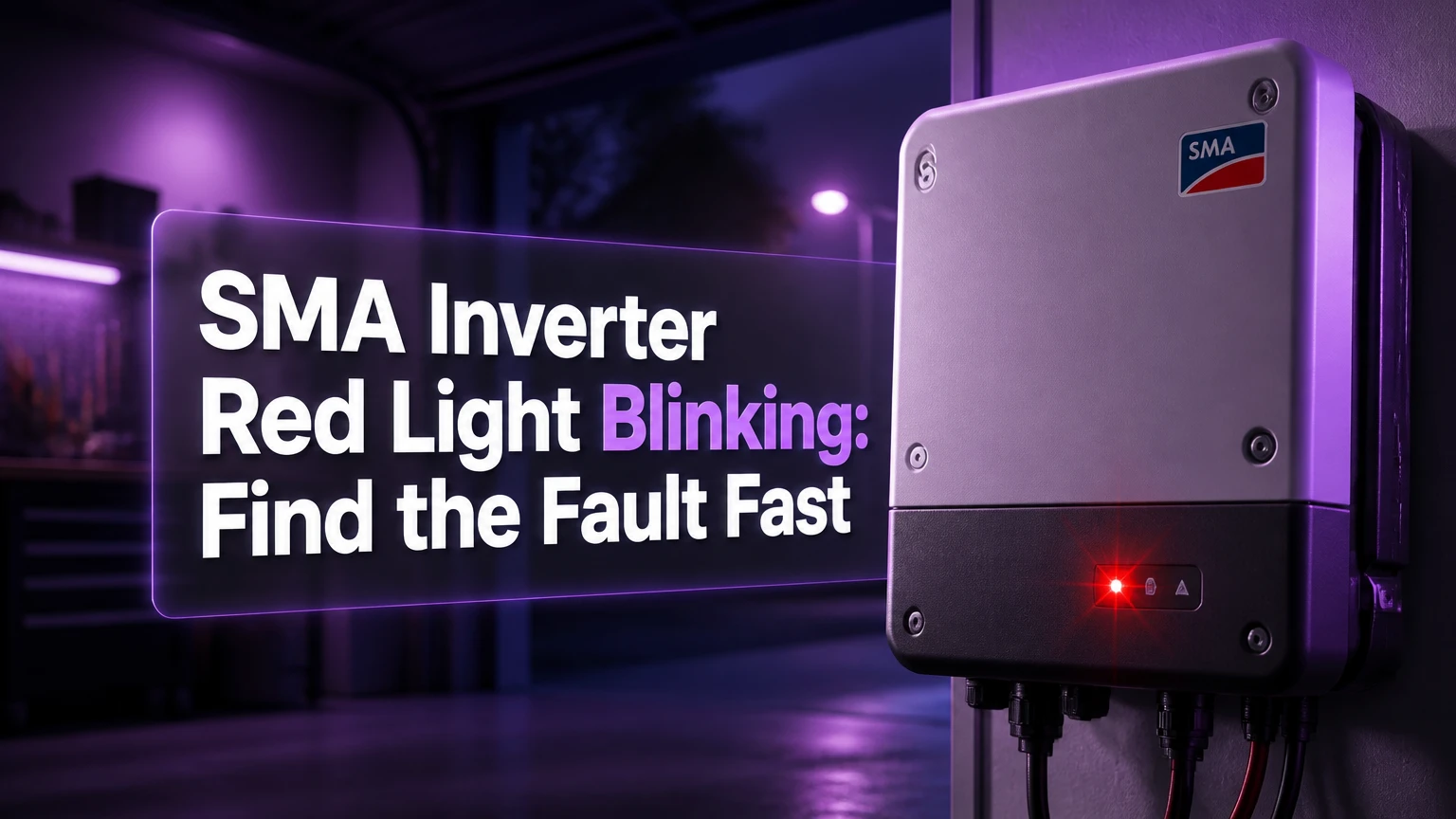
A SMA inverter red light blinking usually means the inverter has detected a fault, warning, or communication problem and may have stopped exporting electricity. The exact meaning depends on the SMA model, LED pattern, display message, and event code, so do not diagnose the hardware from the red LED alone.
Key facts
A solid red LED commonly indicates a fault that has interrupted normal grid feed-in.
A blinking red LED can represent a recoverable grid disturbance, insulation problem, temperature event, or communication fault.
SMA event codes are model-specific; code 4002 or 3501 should not be interpreted without the inverter manual.
A red light after rain, during peak sun, or only at night provides useful diagnostic evidence.
Homeowners can record the event and perform only the restart procedure authorized for their model.
Persistent arc, insulation, burning-smell, smoke, or water-ingress faults require a qualified solar professional.
What Does a Red SMA Inverter Light Mean?
A red SMA inverter light means the unit has entered a non-normal operating state. The inverter may disconnect from the utility grid, stop using PV input, reduce output because of temperature, or continue operating with a warning, depending on the model and event severity.
SMA Sunny Boy, Sunny Tripower, Sunny Island, Sunny Boy Storage, and newer hybrid products do not share one universal LED codebook. Older Sunny Boy manuals often describe a glowing red LED as a fault, while newer products may use flashing patterns, system-manager messages, or app notifications. SMA’s own operating manuals therefore remain the controlling source for interpretation.
The red LED is a status signal, not a component diagnosis. A fault caused by utility voltage can look similar to one caused by a loose DC connector until the event history and measurements identify the difference.
How the protection process works
SMA inverters continuously check AC voltage, grid frequency, residual current, insulation resistance, DC input, internal temperature, and communication status. If a monitored value exceeds the configured country-specific operating range, the control system opens grid relays and stops export to protect people, equipment, and the utility network.
A relay opening explains why the red light often appears at the same time that production falls to zero. The inverter stores an event record, but the code may remain visible only briefly on an LCD or through Sunny Portal, the SMA Energy App, or SMA 360°.
What Does the LED Pattern Indicate?
The LED pattern narrows the diagnosis, but the exact pattern must be matched to the manual for the inverter’s model and firmware. A solid red light is generally more serious than a short-lived red flash, while red and green together can indicate configuration or communication rather than failed power electronics.
| LED appearance | Likely category | First useful check |
|---|---|---|
| Solid red | Persistent fault or stopped operation | Record event code and confirm whether AC output is zero |
| Red flashing intermittently | Temporary fault, warning, or restart state | Note timing, weather, and whether production resumes |
| Red and green together | Configuration, commissioning, or system status | Check country data set and commissioning messages |
| Two quick red flashes | Communication or system-manager status on some models | Check Ethernet, Wi-Fi, or Data Manager connection |
| Rapid red flashing | Sensor, temperature, battery, or internal warning on some models | Check the model manual and temperature conditions |
The table is a triage aid, not a replacement for the manual. SMA can assign different flash durations and meanings to different product families, and a similar-looking pattern can have different consequences on a string inverter and a battery inverter.
Why do LED colors vary by SMA model?
SMA changed indicator behavior across product generations. An older inverter with an LCD and Electronic Solar Switch may communicate a fault through a four-digit event number, while a newer model may use a status code in the SMA Energy App and a system-manager alert.
Country configuration also matters. A newly installed inverter may show a combined red and green state because the grid code or country data set was not selected, rather than because a power board has failed. That condition usually requires commissioning access, not replacement hardware.
Which SMA Event Codes Matter Most?
SMA event codes identify the monitored subsystem, but no short internet list can safely interpret every code across every SMA product. Codes such as 3001, 4002, and 7702 are useful search terms, yet the full message, product family, firmware version, and event history determine the correct action.
| Example code or range | Common category | Typical implication | Safe next action |
|---|---|---|---|
| 3001-3005 | Grid voltage or frequency | Utility parameter outside the permitted range | Record time and contact installer or utility if repeated |
| 3501 on applicable models | Arc-fault or AFCI event | Possible DC arcing or wiring fault | Do not repeatedly reset; arrange qualified inspection |
| 4002 on applicable models | Insulation or ground fault | Leakage involving PV wiring, modules, or moisture | Stop repeated resets and schedule DC testing |
| 4003 on some products | Fan or cooling warning | Reduced cooling capacity or fan failure | Keep vents clear and request service |
| 7702 on some products | Internal hardware or communication fault | Internal module or system communication failure | Capture the complete message before replacement decisions |
The phrase “on applicable models” is essential. SMA manuals and service documents define event codes by product family, and third-party code lists sometimes combine unrelated Sunny Boy, Sunny Tripower, and storage products. Treating one code list as universal can send a technician toward the wrong subsystem.
A code that appears once during a storm may clear after grid conditions normalize. A code that returns at the same time every day, after rainfall, or immediately after startup deserves a different investigation.
Can You Safely Restart an SMA Inverter?
You can perform a restart only when the inverter manual and installer instructions permit homeowner isolation. A restart may clear a transient grid event, but it cannot repair an arc, insulation, connector, fan, or power-electronics fault.
Step 1: Record the event
Photograph the LEDs, LCD message, serial plate, and any app notification before switching anything off. Write down the event number, exact time, weather, production level, and whether the green LED was on, flashing, or off.
If the display is dark, some older SMA inverters wake the screen after a knock on the front panel. Do not remove covers to reach a display or internal switch.
Step 2: Check for immediate danger
Do not touch the inverter if you smell burnt plastic, hear sustained crackling, see smoke, see melted insulation, or find water inside the enclosure. Keep people away and contact the installer or emergency electrical service. Solar modules can continue producing DC voltage in daylight even when the inverter appears off.
Step 3: Isolate according to the installed equipment
Where the system has clearly labeled external controls, the usual shutdown arrangement involves the AC circuit breaker, an external AC isolator, and the inverter’s DC disconnect. Some legacy SMA systems use an Electronic Solar Switch, while newer equipment may use a rotary DC switch or separate string isolators.
Do not assume the switching order from a generic web page. SMA publishes product-specific shutdown and recommissioning sequences, and some installations place isolators in a different physical order.
Step 4: Wait for the specified discharge period
Wait for the period stated in the manual, commonly several minutes, before restarting. Ten minutes is often recommended for particular SMA products, but it is not a universal requirement or proof that all internal voltage is absent.
Step 5: Restore power and observe
Restore the controls in the model’s specified order, then allow the inverter to complete startup. Grid reconnection can take several minutes because anti-islanding checks must pass before export resumes.
| Restart observation | Likely interpretation | Follow-up |
|---|---|---|
| Green light returns and no event returns | Temporary disturbance may have cleared | Monitor production for 24-48 hours |
| Red light returns immediately | Persistent fault remains | Stop repeating resets and call installer |
| Red light returns after rain | Moisture or insulation issue is possible | Request insulation and connector inspection |
| Red light returns at midday | Thermal or grid-voltage issue is possible | Request voltage and temperature logging |
| Display remains blank | Power, display, or internal fault is possible | Do not open enclosure; arrange service |
Why Does the Red Light Appear Only in Strong Sun?
A red light that appears during high solar output often points toward grid overvoltage, inverter temperature, or a DC-side condition that becomes visible under load. The timing does not prove which cause is present, but it gives an installer a valuable test window.
In areas with high rooftop solar penetration, local voltage can rise when many systems export simultaneously. The inverter may disconnect when voltage exceeds the limit in its configured grid profile. The correct remedy may involve utility investigation, export management, cable assessment, or approved configuration changes, not an inverter replacement.
Direct sun and blocked ventilation can also raise enclosure temperature. SMA installation manuals specify clearance and environmental limits for each model, and the relevant temperature is the inverter’s measured internal condition, not simply the outdoor weather report.
What do rain and nighttime faults suggest?
Rain-related faults increase suspicion of moisture, damaged cable insulation, wet connectors, or a module junction-box problem. A ground or insulation fault that appears only when panels are wet should not be repeatedly cleared because the fault may return under the next storm.
Nighttime red status requires a different interpretation. PV production naturally stops after sunset, and some SMA models display a night or standby condition that is not a failure. If the red LED remains after sunrise or an event appears in the log, the inverter has a genuine issue requiring review.
How Do Installers Separate Grid, DC, and Inverter Faults?
Installers separate the fault category by combining event history with measurements, visual inspection, and controlled isolation. The LED alone cannot distinguish a utility overvoltage event from a damaged PV connector.
| Investigation area | Measurement or inspection | Fault evidence |
|---|---|---|
| AC grid | Line voltage, frequency, phase balance, and event timing | Repeated grid codes during high export |
| PV strings | Open-circuit voltage, current behavior, polarity, and connector condition | Abnormal string voltage or damaged DC parts |
| Insulation | Insulation resistance testing with suitable procedures | Low resistance to earth, especially after rain |
| Cooling | Fan operation, airflow, clearances, and temperature logs | Thermal warnings or shutdown at high output |
| Communications | Ethernet, Wi-Fi, Data Manager, and device discovery | System-manager alert with normal electrical output |
| Internal electronics | Qualified service diagnostics and fault recurrence | Persistent hardware event after external causes are excluded |
A professional should not megohm-test connected electronics casually, because test voltage and isolation requirements vary by equipment. SMA documentation and local electrical rules determine how PV strings and inverter inputs must be separated before testing.
What Do Communication and Country-Data Warnings Mean?
Communication warnings usually affect monitoring or coordination, while country-data warnings affect commissioning and grid behavior. A communication fault does not automatically mean the inverter has stopped producing, but a system-manager error can prevent coordinated operation in larger or battery-backed systems.
| Status situation | Production impact | Typical cause | Correct response |
|---|---|---|---|
| Inverter offline in portal, LEDs normal | May be none | Router, Wi-Fi, or portal connection | Check network status without opening inverter |
| Data Manager cannot see inverter | Possible control limitation | Ethernet, address, or commissioning issue | Check network cabling and installer settings |
| Red plus green after installation | Often no export | Missing country data set or incomplete commissioning | Contact commissioning electrician |
| Battery inverter fault | Backup or charging may stop | Battery communication, temperature, or BMS event | Check battery display and authorized service path |
| Grid-management warning | Export may be limited | Utility profile or control signal issue | Preserve event history for installer |
A system with Sunny Home Manager, Data Manager, or battery storage has more communication paths than a simple grid-tied Sunny Boy. The inverter may be electrically healthy while the system controller reports a separate coordination failure.
Should You Repair or Replace the SMA Inverter?
Repair is usually sensible when the inverter is within warranty, the fault is external, or a replaceable fan or communication component is clearly identified. Replacement becomes more attractive when a unit has repeated internal hardware faults, obsolete communications, severe corrosion, or a repair estimate approaching the installed price of a current equivalent.
SMA warranty terms vary by product, region, registration, and extension status. Check the serial number and purchase documents rather than assuming every SMA inverter has a ten-year warranty.
| Situation | Typical service path | Typical US cost range | Typical elapsed time |
|---|---|---|---|
| Remote diagnosis and event review | Installer or SMA support | $0-$150 | Same day to 3 days |
| On-site diagnostic visit | Licensed solar electrician | $150-$300 | 1-2 hours on site |
| Fan or small service part | Part plus labor | $100-$400 | 1-7 business days |
| Inverter replacement | New unit, labor, commissioning | $1,500-$3,200 typical | 2-8 hours installation |
| Utility or wiring investigation | Electrician and possible utility visit | $200-$800+ | 1 day to several weeks |
These are typical US planning ranges, not SMA price quotes. Labor, roof access, permits, taxes, shipping, system redesign, and battery integration can change the total substantially.
An older inverter is not automatically uneconomical to repair. A ten-year-old unit with a clean array, available parts, and a low-cost fan repair may remain practical, while a newer unit with a covered internal failure may justify a warranty claim. The decision should use fault evidence and remaining warranty, not age alone.
Which Common Responses Make the Problem Worse?
Repeated resets, enclosure disassembly, and unapproved configuration changes create the greatest avoidable risk. A reset can clear the symptom while leaving an energized DC fault in place, and opening a solar inverter can expose hazardous voltage even after AC isolation.
- Do not reset an arc-fault or insulation-fault code repeatedly.
- Do not bypass AFCI, ground-fault, or anti-islanding protection.
- Do not spray the inverter with water or cool it with a hose.
- Do not remove the cover unless you are authorized and qualified for that equipment.
- Do not disconnect MC4-style DC connectors under load.
- Do not change the country data set to stop nuisance trips.
- Do not assume a blank display proves the system is de-energized.
- Do not replace an inverter before checking utility voltage and PV insulation.
A useful practitioner rule is simple: one authorized restart can test a transient event; a second recurrence is evidence, not an invitation to keep cycling power.
What Should You Send the Installer?
Send the installer a compact evidence package before requesting a visit. The package should identify the equipment, preserve the event history, and show when the red status occurs.
Include:
- SMA model name, serial number, installation date, and battery model if present.
- Clear photos of the LEDs, display, isolators, labels, and visible cable entries.
- Every event code and its full text from the LCD, Sunny Portal, SMA Energy App, or SMA 360°.
- The date, time, weather, approximate solar production, and whether the fault repeats.
- Whether the fault follows rain, heat, peak export, a power outage, or network changes.
- Any recent electrical work, roof work, module replacement, storm, or utility service interruption.
The installer should then determine whether the next test is an AC voltage log, DC connector inspection, insulation test, fan check, communication test, or SMA warranty assessment.
FAQ
Will an SMA inverter still produce power with a red light?
An SMA inverter may continue limited operation with some warning states, but a fault state commonly stops grid feed-in. Check the portal’s current power value and event text rather than relying on LED color. If production is zero during daylight and the red condition persists, arrange diagnosis instead of assuming the array itself has failed.
Does a red SMA light always mean the inverter is broken?
No. A red SMA light can result from a temporary grid disturbance, missing commissioning data, communication loss, overheating, moisture, an insulation fault, or failed internal electronics. The inverter is broken only after external causes and configuration issues have been excluded through event review and appropriate electrical testing.
Can I leave the inverter with a blinking red light overnight?
A blinking red light can remain overnight if the system is safely installed and there is no smell, smoke, noise, heat damage, or water intrusion. Production may naturally be unavailable after sunset. Record the status, avoid repeated resets, and check the event history the next morning.
How long does an SMA inverter take to reconnect?
An SMA inverter commonly takes several minutes to reconnect after a shutdown or grid disturbance, because it must complete startup and anti-islanding checks. The exact time varies by model, grid conditions, and event type. A red light that remains after the normal startup window indicates an unresolved condition.
Can a utility problem cause the SMA red light?
Yes. Utility voltage, frequency, phase imbalance, or an outage can trigger an SMA grid fault and open the inverter’s AC relays. If several nearby solar systems trip simultaneously, or the fault occurs during high export, ask the installer or utility to investigate measured grid conditions rather than replacing the inverter first.
Is the SMA 360° app required to diagnose the fault?
No. The SMA 360° app can simplify commissioning and event review, but the inverter display, Sunny Portal, installer records, and physical inspection may provide the necessary evidence. Access depends on the product, account permissions, network connection, and whether the system was configured for monitoring.
The Bottom Line
The exact meaning of an SMA inverter red light blinking depends on the model, flash pattern, event code, and conditions when the fault occurs. Record the message first, perform only the restart permitted by the SMA manual, and stop resetting the unit when an arc, insulation, hardware, water, or repeated grid fault remains.
A red LED does not by itself prove inverter replacement. Event history, AC and DC measurements, warranty status, and the timing of the fault determine whether the appropriate response is utility investigation, wiring repair, component service, warranty replacement, or a new inverter.